
UUNA TEK
iDraw H A1 Large Format Plotter Drawing Robot Pen Plotter Drawing Machine Writing Machine Signature Machine| UUNA TEK
5.0 / 5.0
(3) 3 total reviews
Share
Couldn't load pickup availability
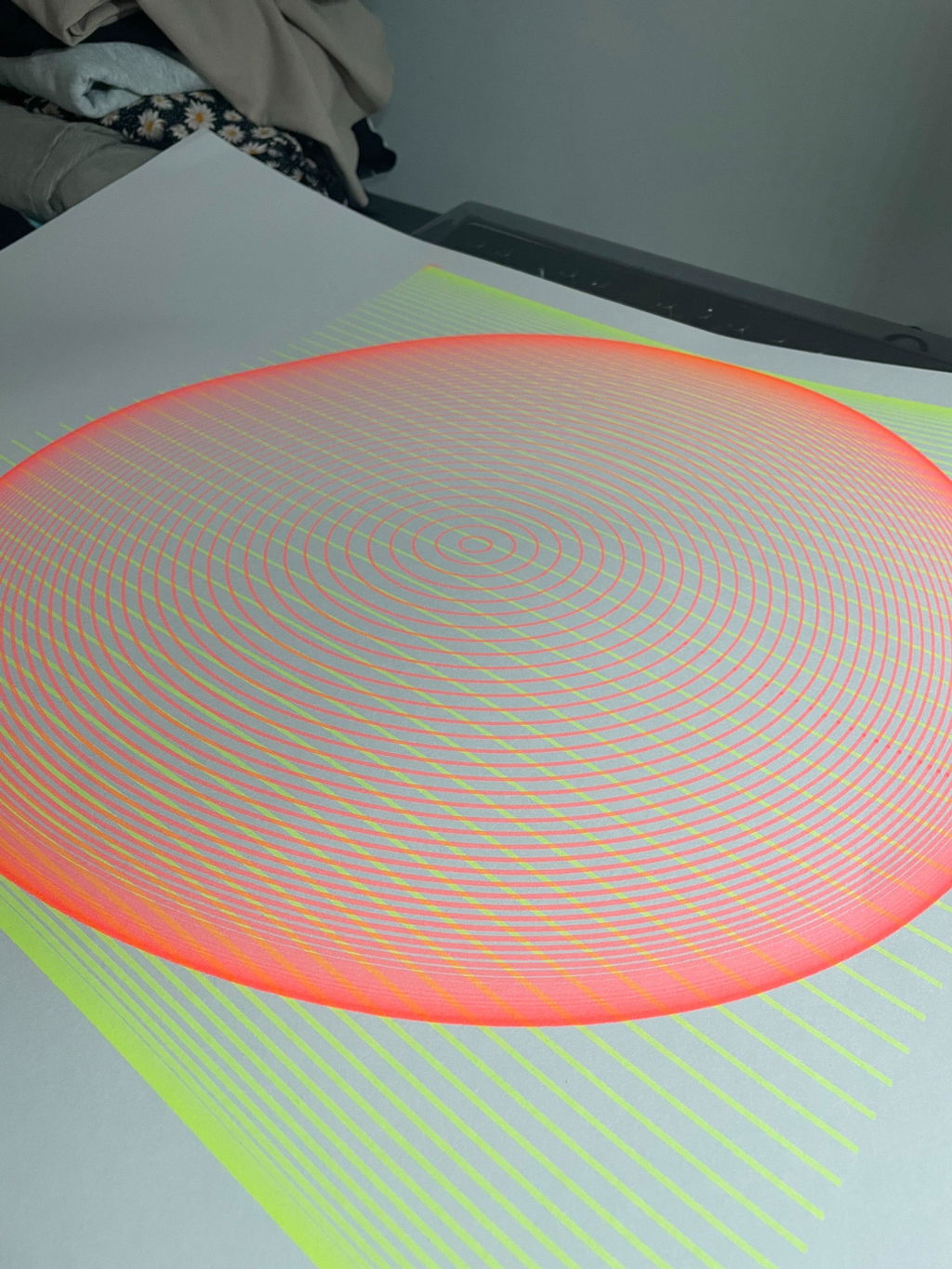
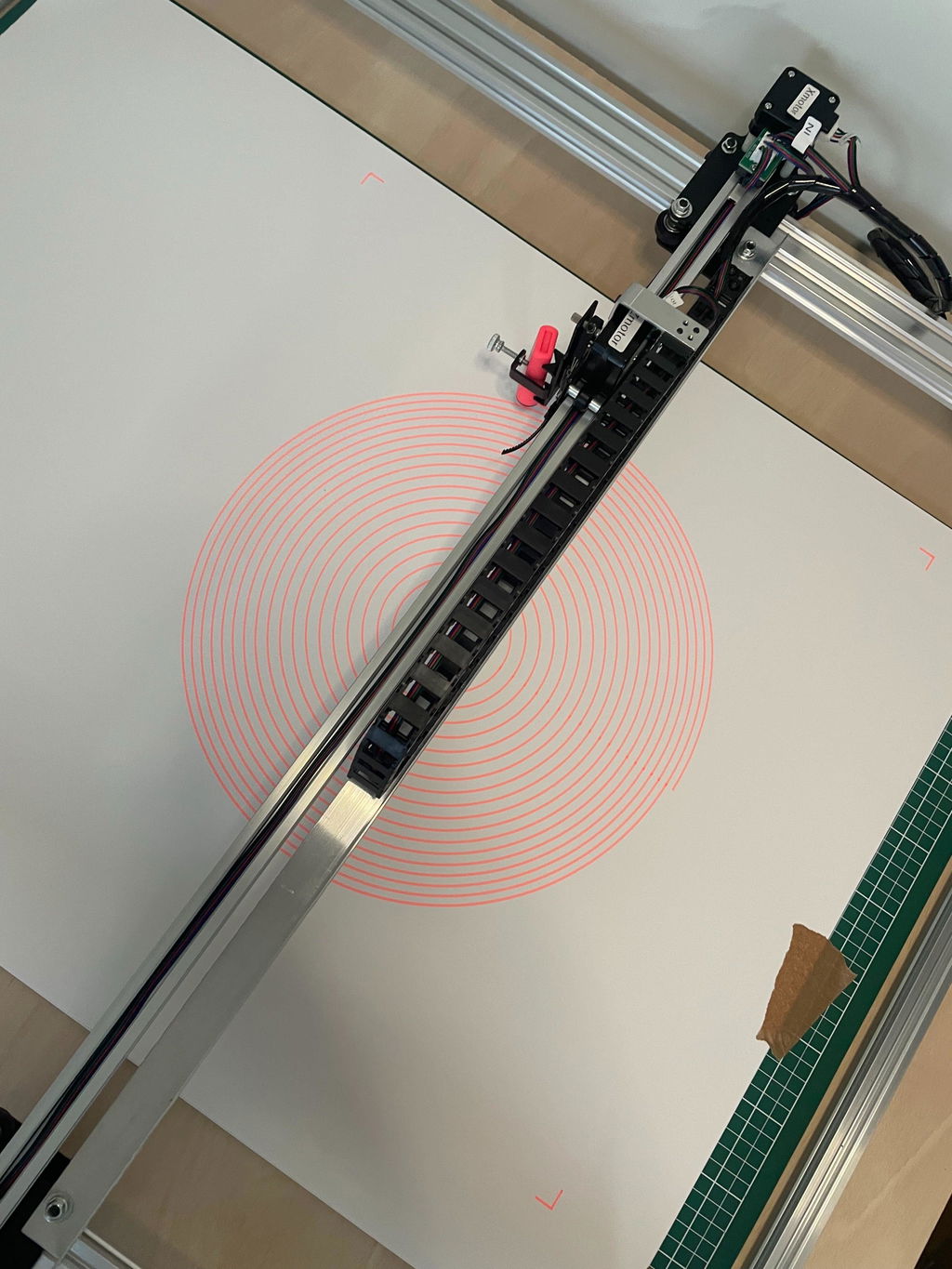
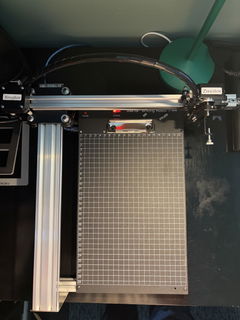
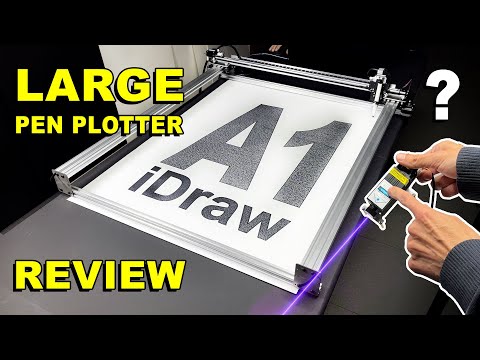
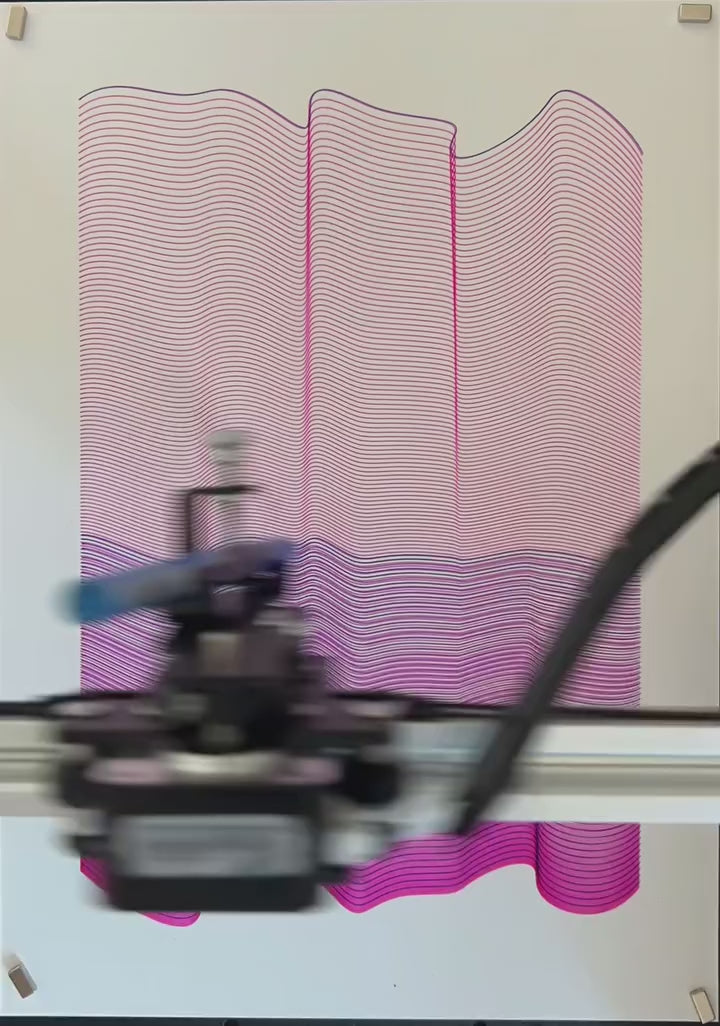
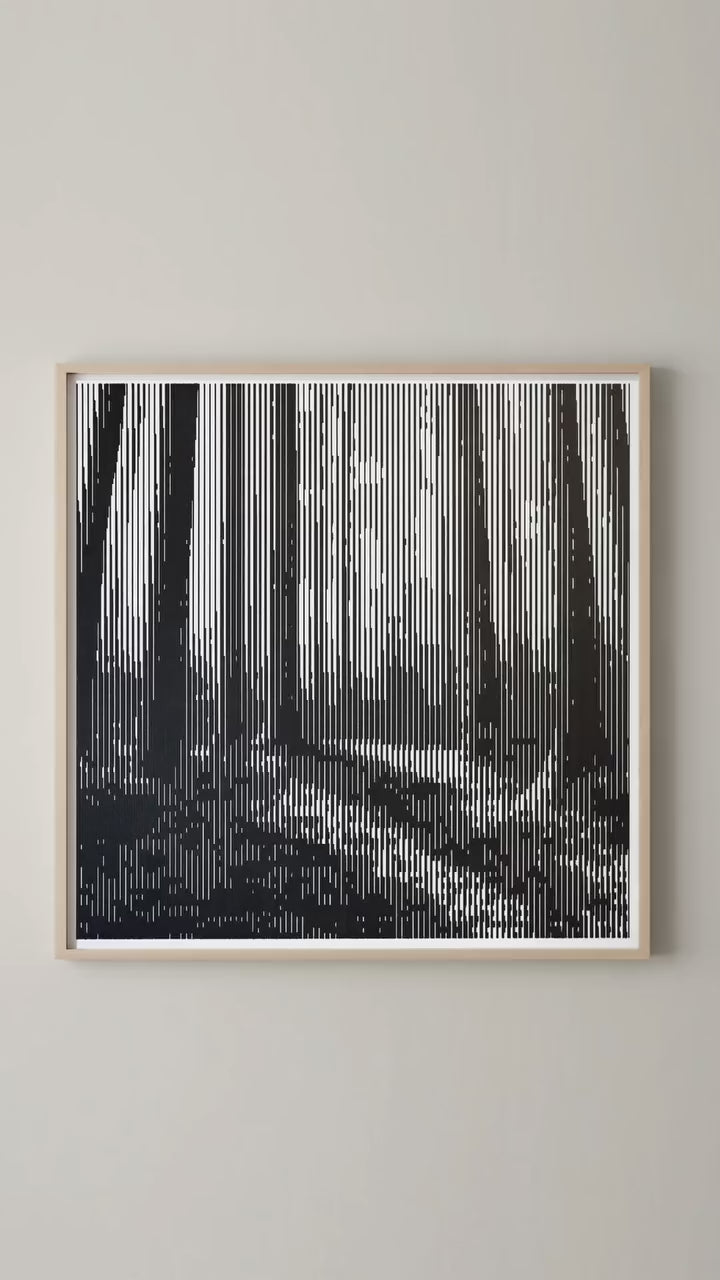
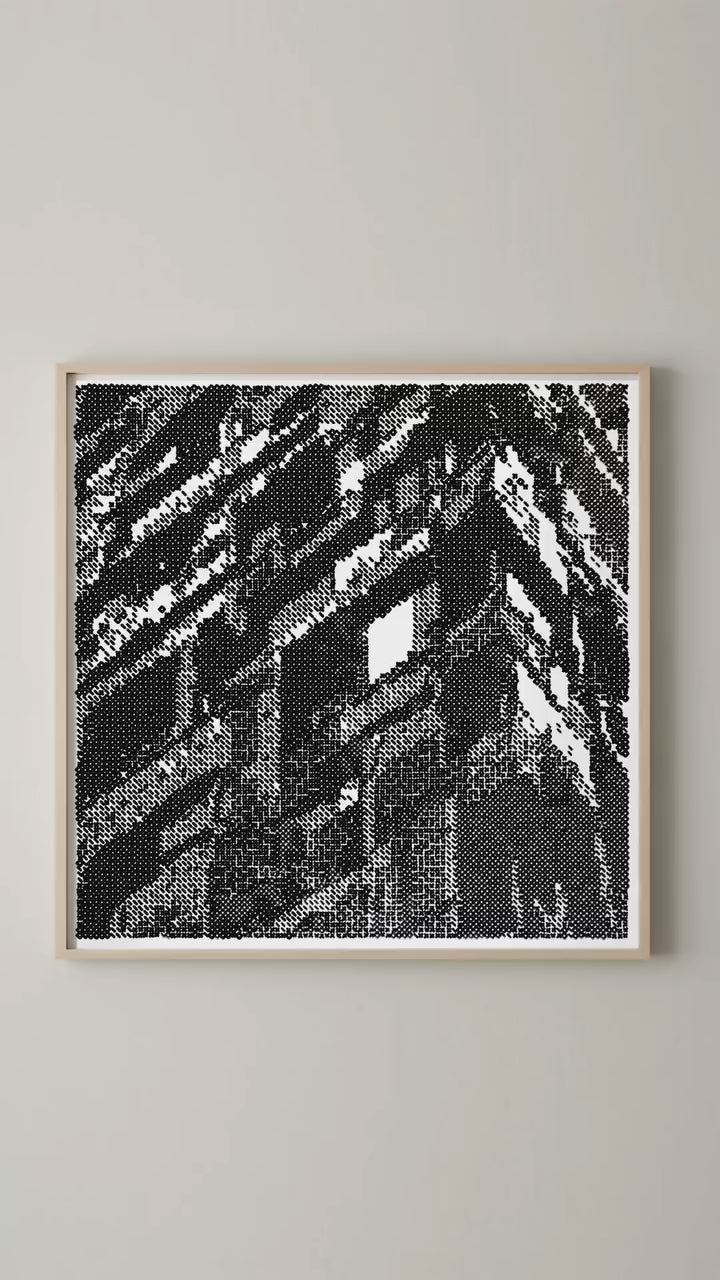
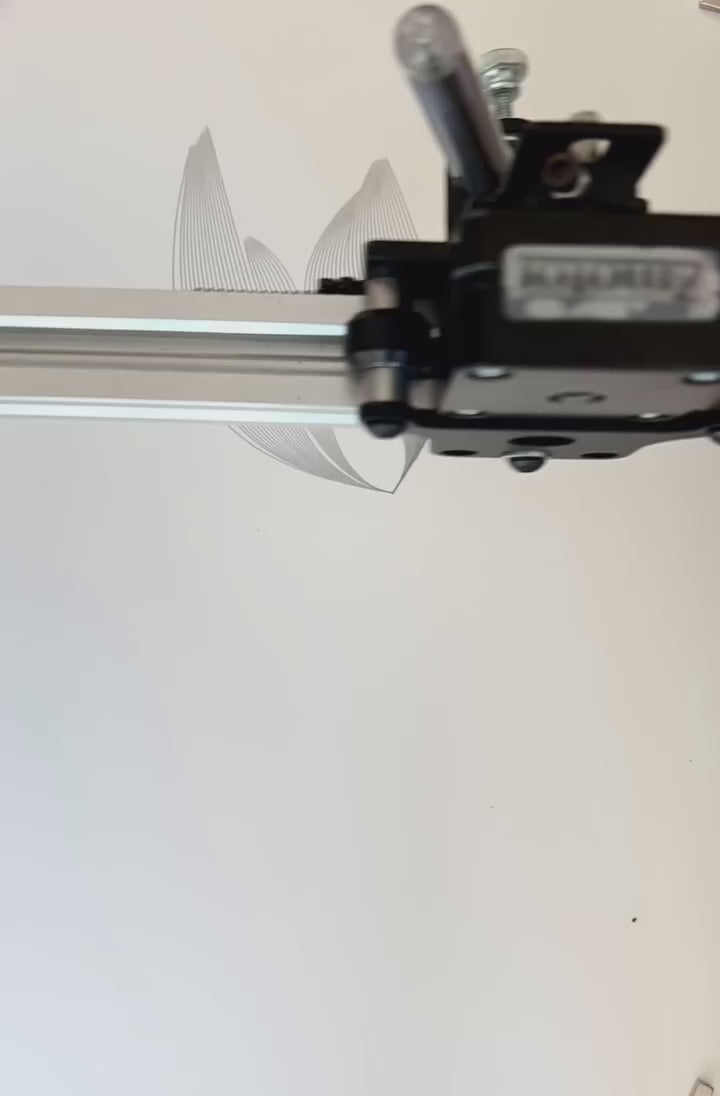
Introducing the iDraw H A1 Large Format Plotter Drawing Robot Pen Plotter Drawing Machine Writing Machine Signature Machine| UUNA TEK, the ultimate solution for larger-scale artwork creation and design projects. This specialized machine is tailored for tasks like generative arts, ethnic costume design, luggage leather marking, mechanical product auxiliary line drafting, and handicraft folding line pressing, among others.
Please note that there is no base plate for this version. Thanks
What is the iDraw H A1 Pen Plotter?
The iDraw H A1 is engineered to handle artworks larger than A2 size with mechanical accuracy, versatile software support, and flexible mounting options. It is ideal for:
- Artists creating detailed generative art or calligraphy
- Designers working on prototypes, mechanical lines, or patterns
- Educators teaching technical drawing
- Crafters marking leather, wood, or paper

Looking for a High-Precision Medium-Large Format Pen Plotter?
The iDraw H A1 provides precision, versatility, and reliability for drawing, handwriting, and laser engraving. Ideal for:
- Generative art
- Calligraphy
- Mechanical drafting
- Handicrafts and leather marking
Shipping, Warranty & Support
Free Worldwide Shipping
Delivered anywhere in the world at no extra cost.
30-Day Easy Returns
Hassle-free returns or exchanges within 30 days.
Lifetime Care Guarantee
Support for your machine for its entire lifetime.
Dedicated Customer Support
Help available via email, chat, or Zoom.
Free Personal Training
Learn to set up and use your machine easily.
Main Features
-
Drag Chain Technology
Experience seamless drawing even at high speeds, thanks to the innovative drag chain mechanism. This ensures smooth operation and precise output with every stroke.
-
Vertical Mounting Capability
Designed for versatility, the iDraw H can be effortlessly mounted vertically, allowing for the creation of large-scale artworks with ease and precision.
-
Supreme Size Options:
Choose from A2, A1, or A0 sizes, with ample space to bring your grandest ideas to life. The A1 version measures 23.4 x 33.1 inches, offering a generous canvas for your creative projects.
-
Powerful Stepper Motors
Equipped with 4* 42 Stepper Motors (more for A1/A0 sizes), guaranteeing robust performance even with larger plots.
-
Unparalleled Speed
With a writing speed of 0-12,000MM/MIN, the UUNA TEK H Version makes short work of your creative projects while maintaining the same precision that defines our brand.
-
Comprehensive Software Support
Compatible with Windows 7/8/10/11 or above(Inkscape), Mac OS (Inkscape for Writing and Drawing, Lightburn for Laser Engraving), and Linux, ensuring you have the right tools at your disposal.
-
Built for Precision
With a mechanical precision of Y:0.01 mm and X:0.01 mm, the UUNA TEK H Version is the embodiment of perfection.
-
User-Friendly Connectivity
Seamlessly connect via USB or Bluetooth, making it versatile and accessible for all.
-
World-Class Frame Materials
Built with a blend of Aluminum Profile and Steel Plate, ensuring durability and longevity.
-
Adaptable Power
Operating within a wide voltage range (110V-220V), it's ready for action no matter where you are.
-
Versatile Laser Options
Select from 500mW to 15W laser heads for engraving wood, plastics, leather, and paper.
iDraw H A2 vs A1 vs A0 – Choosing the Right Size
| Size | Dimensions | Best Use Cases |
|---|---|---|
| A2 | 16.5 x 23.4 inches | Compact drawings, calligraphy, small-scale generative art |
| A1 | 23.4 x 33.1 inches | Medium artwork, prototypes, classroom use |
| A0 | 33.1 x 46.8 inches | Large-format designs, detailed calligraphy, large generative art projects |
Collapsible content
Notification
UUNA TEK® H A0/A1/A2 is derivatives of the UUNA TEK® H A3 pen plotter without basement, specially redesigned for a larger plot area.
Even with the improved carriage, these larger models generally need to be operated at slower speeds than a regular UUNA TEK® H A3 in order to achieve the same quality.
To reduce shipping cost and the risk of damage, these models ship partially disassembled, and we will ship from our Chinese manufacturer directly. Because of this high shipping cost, we don't accept return or refund, but we can provide free replacements for any faulty parts and make sure it's working. We can only provide full refund because of quality issue and fail to provide solution.
Import tax should be charged by your customs
They're really big.
These units are made to order, in limited production, which will take at least one month to produce and at least 5-10 business days for shipment. Email us via uunatek@gmail.com to confirm everything after placed the order.
Please note that the larger the machine, the greater the deviation. The A2-A0 machine has a deviation of up to 0.5mm on the X-axis and up to 0.6mm on the Y-axis. It is possible that the belt conveyor or other parts may become loose during transportation due to long-distance cross-border transportation. If this is unacceptable, it is recommended to choose a smaller machine like the A3 size, or a larger machine of the UUNA TEK 3.0.
In this case, you may need to adjust the machine remotely after receiving it with our online meeting here: https://calendly.com/uunatek/idraw-support, or watch our YouTube video instructions here: https://www.youtube.com/watch?v=QlrD2w3Zo2M&t=1403s. At the same time, if the software settings allow back and forth movement, the deviation will increase.
In this case, we recommend:
1. Try to write at a lower speed and use the default recommended drawing speed of 2000mm/min
2. Do not turn on the automatic optimization function, allowing move back and forth, to reduce the deviation
3. Try to use the X-axis as the center axis of the picture
4. Use a quick-drying pen
5. Try to use drawing paper and fix the paper
6. The artwork should not be too complicated. If it is really complicated, it is recommended to draw it in several parts
Specification
Motherboard: Drawcore V2.0
Firmware: GRBL Compatibility
Add-ons: UUNA TEK® 2.0 Control
Frame Materials: Aluminum Profile + Steel Plate
Working Area: A1:( 23.4 x 33.1 inches)
Motors: 4* 42 Stepper Motors (more steppers might be used for A1/A0 Size)
Mechanical Precision: Y:0.01 mm,X:0.01mm
Writing Speed: 0-12,000MM/MIN (slower than A3 size)
Baud Rate: 115200 - 921600 (Default: 115200)
Input Format: JPG, JPEG, PNG, BMP, SVG, etc.
Input Voltage: 110V-220V (Compatible)
Power Adapter Output: 12V / 1A
Operating Temp.: -20℃-50℃
Product Size: A1: 37.4 x 34.5 x 6.1 inches
Net Weight: , 11 pounds for A1
Packaging Size: A1(39X7.8X6.7 inches)
Packaging Weight: 12 pounds for A1
Limited Switch: Y
Adjustable Angle for Pen: 70-90 Degree
Connectivity: USB, Bluetooth
Support OS and Software: Windows 7/8/10/11 or above(Inkscape), Mac OS (Inkscape for Writing and Drawing, Lightburn for Laser Engraving), Linux
Packing List
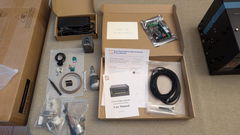
1 X UUNA TEK iDraw H A2/A1/A0 Pen Plotter
1 X Tool Kits
1 X Quick Start Guide
1 X Thank You Card
Software
Download the inkscape software and extensive files here>>>.
You can find the software for Windows, Mac, Linux, as well as the assmble guide for hardware and the install details about software.
For those who need advanced functions:
1. For those who need the function to save the plot file, please download this version>>>
2. For those who need email merge function,
Windows: please download this version>>>
Mac or Linux, please download this version>>>
3. For those who need laser function, please download this version>>>
4. What if i have some programing basic and want to adjust the original parameters to break the speed limitation? Plesae download this version>>>
Tutorials
Check the video tutorials for large format pen plotters including assembly, adjusting belt, installing laser heads for iDraw H A0/A1 Size machines here>>>
More other tutorials:
For UUNA TEK® 1.0 Pen Plotter, please check the video tutorials here>>>
For UUNA TEK® 2.0 Pen Plotter, please check the video tutorials here>>>
For UUNA TEK® H Pen Plotter, please check the video tutorials here>>>
For Software, please check the video here>>>
For Laser Function, please check the video tutorials here>>>
Policies
Shipping Policy: All orders will be fulfilled within 48 business hours. All packages will be shipped with DHL/UPS/USPS from our Chinese warehouses or Amazon warehouse, it will take 5-7 business days to your destination. Delay alert during sales seasons. Check the full policy here>>>
Return Policy: We will provide 1-year warranty for all products. Free return and refund will be only provided for any quality issue or damage during delivery. Contact us via support@uunatek.com before return it back. Check the full policy here>>>
| Feature | iDraw H (A2 / A1 / A0) | UUNA TEK 3.0 (A2 / A1 / A0) |
|---|---|---|
| Working / Drawing Area |
A2: 16.5 × 23.4 in A1: 23.4 × 33.1 in A0: 33.1 × 46.8 in |
A2: 594 × 420 mm A1: 841 × 594 mm A0: 1189 × 841 mm |
| Frame / Build Materials | Aluminum profile + steel plate | Q235 carbon steel + aluminum alloy |
| Motors | 4 × 42-stepper motors (more for A1 / A0) | X: 42-stepper, Y: 42/57-stepper, Z: 42-stepper |
| Mechanical Precision / Repeat Accuracy | 0.01 mm (X & Y) | ± 0.1 mm – 0.02 mm |
| Maximum / Nominal Speed (Writing) | 0 – 12,000 mm/min |
- High-speed: up to 20,000 mm/min (X/Y/Z) - Default drawing: 12,000 mm/min - Silent mode: up to 10,000 mm/min |
| Motherboard / Firmware / Control | Drawcore V2.0; GRBL compatible | Custom GRBL-board |
| Connectivity | USB, Bluetooth | USB (default), WiFi (default), SD‑card offline(default) |
| Software / Supported Formats |
JPG, PNG, SVG, etc. Inkscape (Windows/Mac), Lightburn (laser) Formats: SVG, DXF, JPG, PNG, BMP, PDF |
UUNA TEK 3.0 App, Inkscape, UGS, Lightburn, LaserGRBL Formats: SVG, DXF, JPG, PNG, BMP, PDF |
| Input Voltage / Power | 110V–220V input; adapter 12V / 1A | AC 110V–230V input; DC 12V or 24V output |
| Operating Temperature | –20°C to +50°C | –20°C to +55°C |
| Net Weight |
A2: ~ 9 lb A1: ~ 11 lb A0: ~ 14 lb |
A2: ~ 17.5 kg A1: ~ 32 kg A0: ~ 48 kg |
| Pen / Pen Holder | Adjustable angle: 70°–90°, supports pens up to 16 mm width | Adjustable angle: 0°–90°, supports pens up to 17.5 mm width |
| Laser Options | Supports 500 mW to 15 W heads | 10 W laser head |
| Mounting / Orientation | Supports vertical mounting | All-in-one ready-to-run; vertical mounting not recommended |
| Accuracy / Deviation Warning | Potential deviation after shipping: up to 0.5 mm (X), 0.6 mm (Y) | — |
| Noise / Operation | No specific decibel info | Operates under ≈ 60 dB (silent guide rails + drive) |
Frequently Asked Questions
1. What pen and paper are recommended for optimal results?
A 0.4mm Rotring Isograph pen with Rotring black ink is recommended for precise lines. For paper,493mm × 610mm Bristol paper works well, providing a smooth surface that minimizes scratching.
2. How to prevent the pen from scratching the paper?
The iDraw’s pen lift mechanism includes a spring that adds excess pressure.Removing the top springreduces pressure from ~181g to ~80g, mimicking the gravity-based pressure of Axidraw plotters. Adjusting the lower screw alone is insufficient. Users confirmed this adjustment eliminated scratches.
3. How long does plotting take, and what speed settings are used?
A detailed A1-sized plot took 3–4 hours at 6000mm/min. The time could be reduced with path optimization tools like PlotterFiles’ Optimizer, but the user streamed custom GCode without optimizing travel paths
4. Can the iDraw be controlled without the Inkscape plugin?
Yes. The iDraw uses a GRBL-based controller (modified as "DrawCore"). Users can send GCode directly via tools like Universal Gcode Sender (UGS) or a custom Python script. Note:
- The iDraw does not support G2/G3 arc commands; curves must be converted to polylines.
- Coordinate systems may need adjustment (e.g., inverting the Y-axis)
5. How to ensure accuracy and avoid wobbles in large plots?
- Calibrate the machine: Tighten belts, square the axes, and adjust grub screws.
- Use high-resolution polylines (e.g., 0.25mm spacing) for smooth curves.
- The iDraw’s H-frame design enhances stability for larger formats like A1.
6. Why my Auto Home function is not working well?
Here are some tips for using Auto Home.
1. Check that the contact switch cables are connected correctly, follow this guide: https://www.youtube.com/watch?v=5B4nb2k6eAc
2. Manually move the X-axis trolley to the left as far as it will go, and check if it hits the X-axis contact switch.
3. Manually move the Y-axis trolley to the rear as far as it will go, and check if it hits the Y-axis contact switch.
4. Ensure that the cables are properly arranged so that they do not get caught on the XY trolleys, check this guide to organize Z-axis cable: https://www.youtube.com/watch?v=LTwPYPh3rdE
7: What should I do if I press the red button and the machine stops? Can I resume the plot?
Yes, you can resume your work after pressing the red emergency stop button. Once pressed, the machine will pause and wait for further instructions. To continue:
- Open your Inkscape software.
- Go to the Extensions menu.
- Find the Resume section.
- Select Resume (From Home) or Resume (From Where Paused) depending on whether you want to restart from the beginning or continue from the exact stopping point.
👉 Tip: Always make sure to choose the right resume option based on your project progress to avoid overlapping or incomplete drawings.
8. Can the Z-axis adjust the working distance?
Yes, the Z-axis can adjust the working distance from 0 to 10 mm.
9. Can pen-down time be controlled?
Yes, pen-down time can be controlled.
10. Does the machine support G-code commands?
Yes, it supports G-code commands. The motherboard firmware is compatible with GRBL.
11. Can the Z-axis lift and press smoothly with a payload of around 30–35 g (like a solid steel probe Ø10 mm, length 5 cm)?
Yes, it can. The machine supports loads up to 200 grams and a maximum diameter of 15 mm.
12. Is the frame stable enough to avoid vibration when pressing?
Yes, the H constructure is sufficiently stable. The operating speed is adjustable.
13. If it's possible at all to change the setting for how much the pens can be raised/lowered?
The code limits the height of Z-axis in default, you can adjust the following settings as images to get more flexible.
1. idraw_deps>idraw2_0internal>idraw.py
Adjust the height from 10 to the height you expected like 30 on self.options.pen_pos_up and self.options.pen_pos_down.
2. idraw2_0.inx
Adjust the max="10.0" to the height you like on <param name="pen_pos_down" type="float" min="0.1" max="10.0" _gui-text="Pen height:DOWN, (mm):">5.0</param>
14. Can the iDraw H A1 be mounted vertically?
Yes! The A1 version supports vertical mounting, which is perfect for large-scale artworks, classroom projects, or mechanical drafting.
15. How can I prevent the pen from scratching or damaging the paper?
Adjust the pen holder angle (70°–90°) and ensure proper pressure settings in the software. Smooth paper surfaces work best for clean results.
16. How fast can the iDraw H A1 draw, and what speed should I use?
Maximum writing speed is 12,000 mm/min. For highly detailed calligraphy or generative art, a moderate speed is recommended for best precision.
17. Can I control the iDraw H A1 without using the Inkscape plugin?
Yes. The machine supports multiple software platforms, including Inkscape, Lightburn (for laser engraving), and Gcode command.
18. How accurate is the iDraw H A1 for medium to large format projects?
Mechanical precision is 0.01 mm for both X and Y axes, ensuring detailed drawings, calligraphy, and handwriting at A1 size.
Potential deviation after shipping: up to 0.5 mm (X), 0.6 mm (Y)” – keep, but emphasize it applies to A2–A0 sizes.
19. Does the iDraw H A1 support laser engraving?
Absolutely. Compatible with 500 mW to 15 W laser heads, it can engrave wood, leather, plastics, and paper with high precision.
20. How do I connect and operate the iDraw H A1?
Connect via USB or Bluetooth, then use your preferred software (Windows, Mac, or Linux compatible). Detailed tutorials and personal training are included for smooth setup.
21. Can the Z-axis adjust for different pen heights or laser heads?
Yes. The Z-axis allows adjustable pen height and smooth lifting/pressing, suitable for various pen types or engraving tools.
22. Is the frame stable enough to avoid vibration during large plots?
Yes. The A1 frame is built with aluminum profile + steel plate for stability, even when creating medium to large drawings or using laser engraving.
Additional Tips
- Pen Alternatives: Older technical pens with India ink (compatible with the pen) or white gel pens for dark paper are viable options.
- Coordinate System: After homing ($H), the iDraw’s true home is the top-left corner. Third-party plugins may use non-standard origins, so manual calibration is advised.
- Algorithm for Complex Plots: The user employed a 1D cellular automaton with Eulerian path algorithms to optimize line connectivity, reducing redundant pen lifts.
I purchased this plotter because previously I bought a Silhouette Cameo 4 Pro. That worked but it made a lot of noise and it was very hard to align multiple layers.
This plotter however solved both these issues for me. It is quiet enough to have it running in my room while my son is sleeping in his room next to it. So that's really a big plus.
Also aligning it and doing multiple layers was super easy.
Mounting it took me about 20 minutes. Which was also very easy.
All in all couldn't be more happier with this purchase.
May someday get the A0 version even.
Purchased this to reduce manual creation of designs for my wives business. Game changer. I can now produce several identical designs without the manual tracing process she was using before. I have some ideas for creating custom mounts for the plotter to use different instruments. 5 stars.
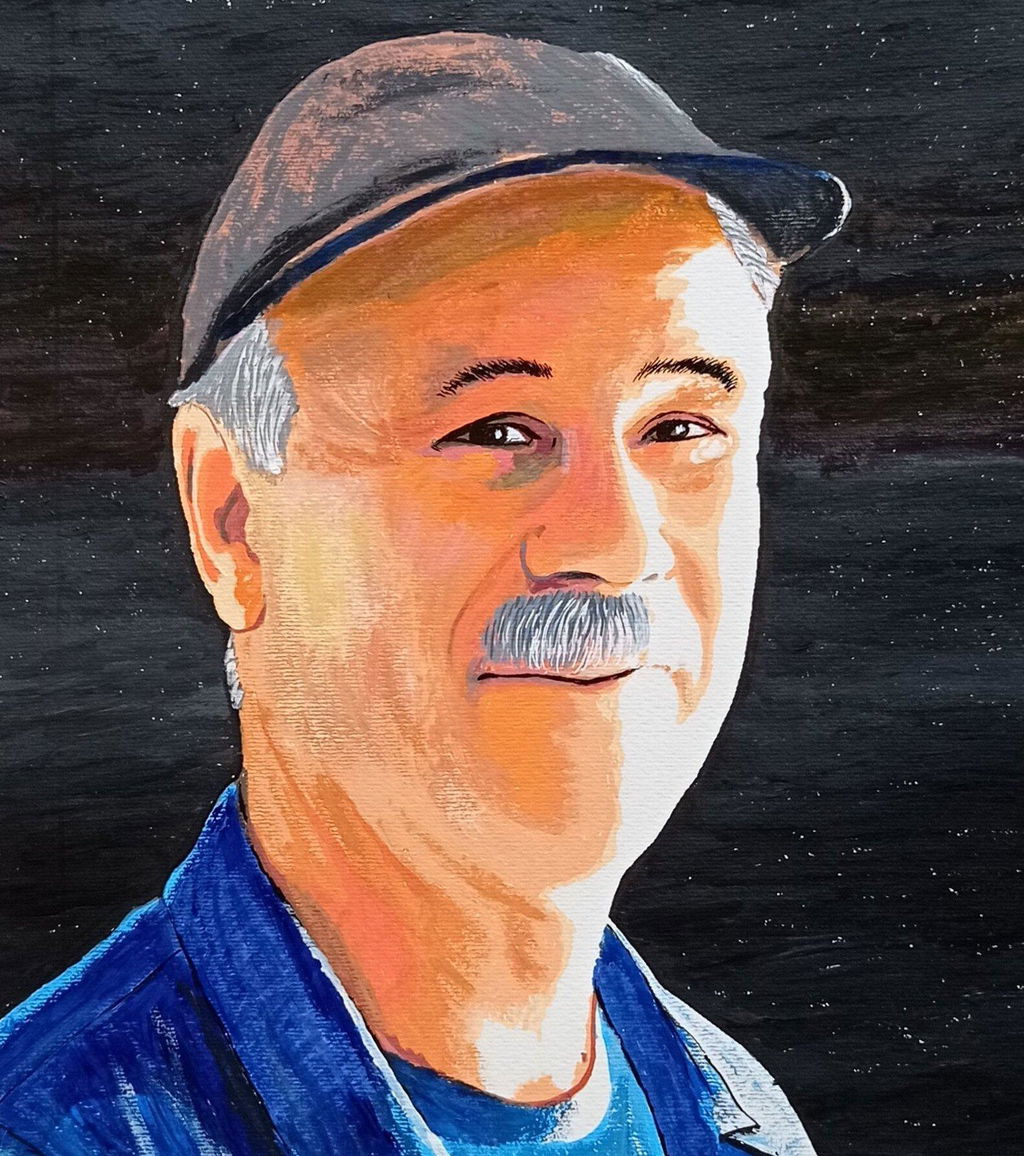
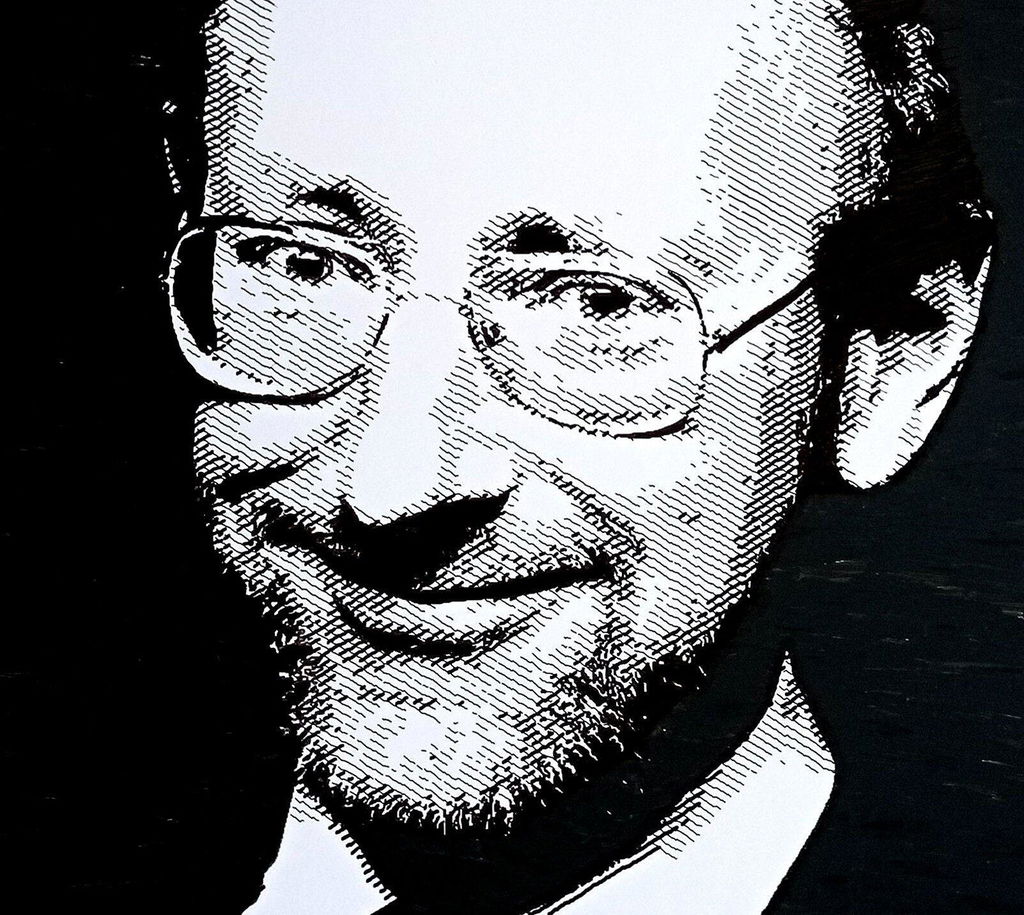
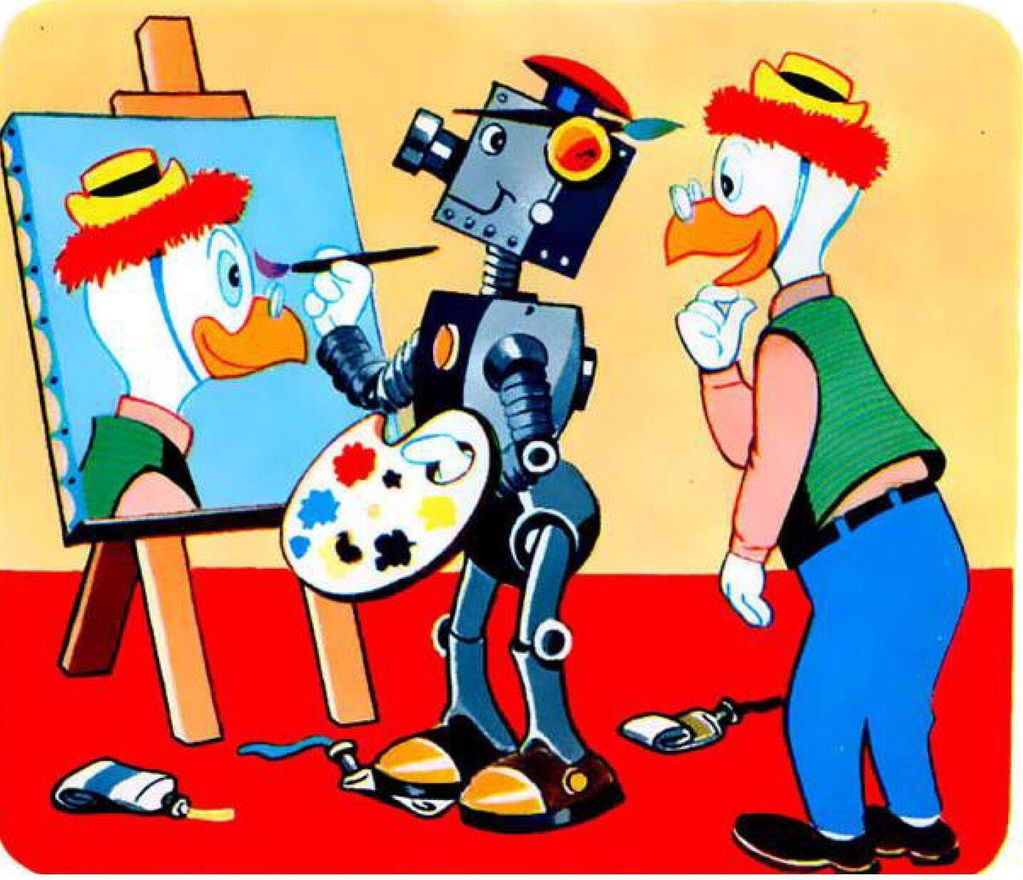
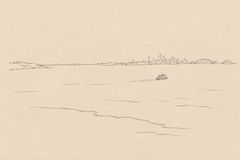
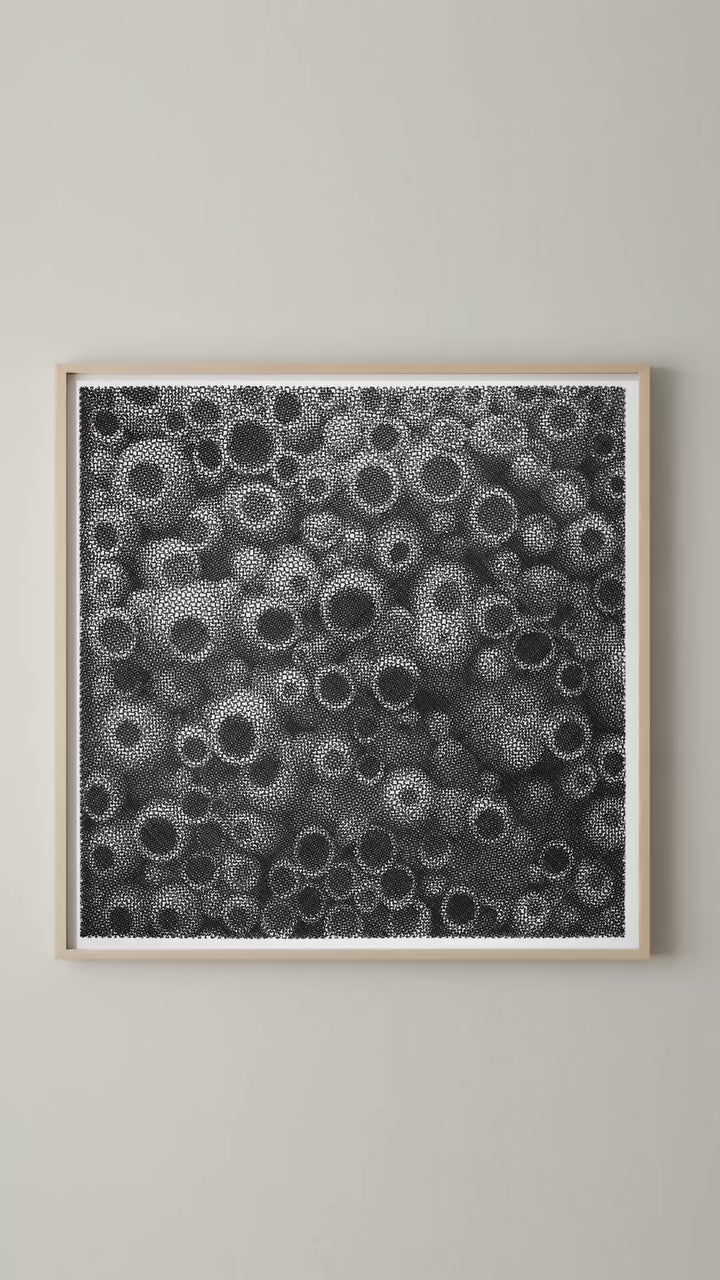
This product is excellent. I am very satisfied. I've had another plotter from a different manufacturer before, but this one is much better. When I was a child I read a Disney comic book where Gyro Gearloose invented a painting robot. Now, with my A1 plotter, I've created a computer program that can draw any picture with line art (similar to wood engraving) and even sketch portraits, etc. The only limit is your imagination. Here are some examples I've made: https://pintorzex.com