
UUNA TEK
iDraw H A3 Pen Plotter Drawing Robot Pen Plotter Drawing Machine, 300% Faster than Others
Share
Couldn't load pickup availability
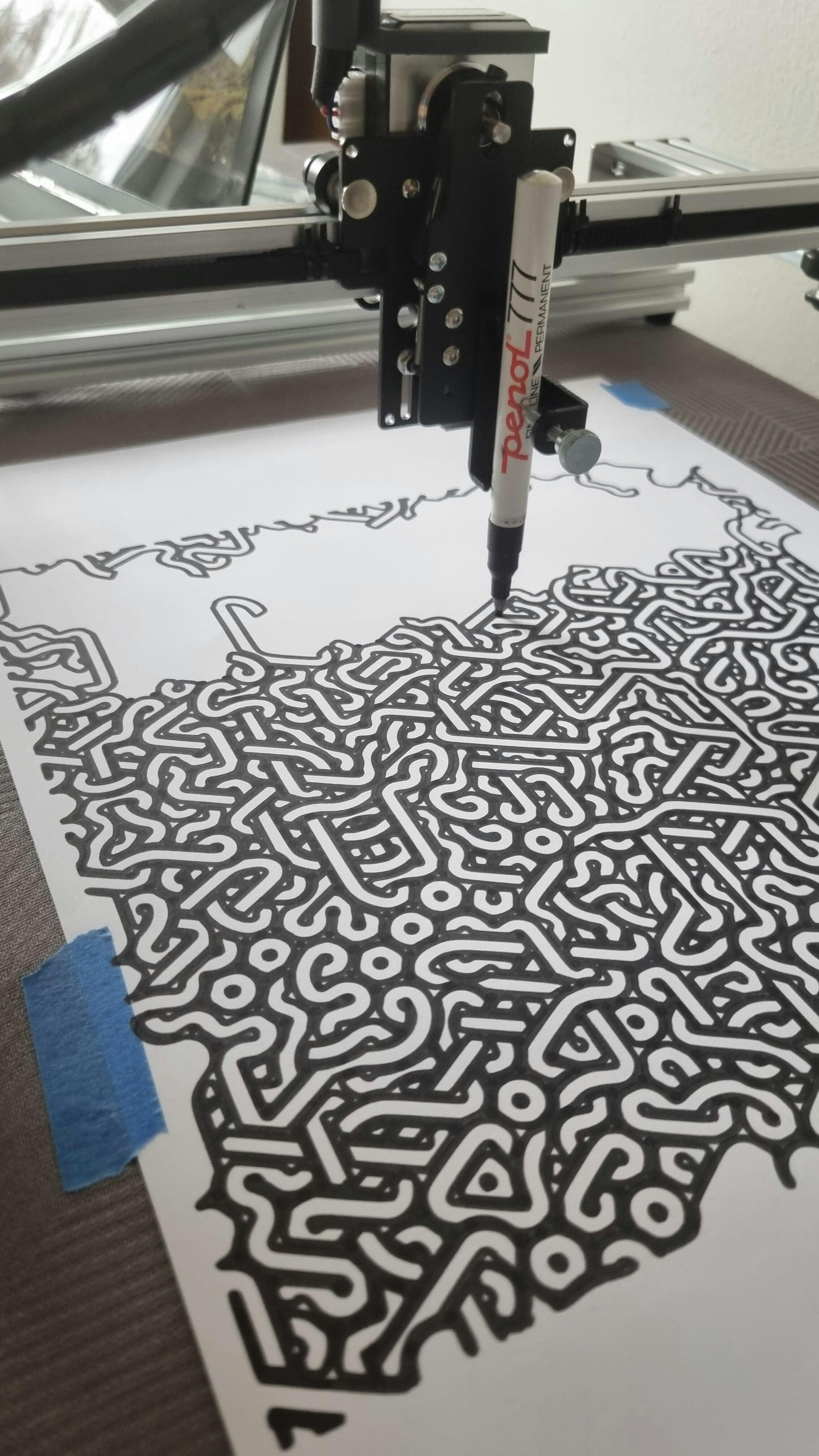
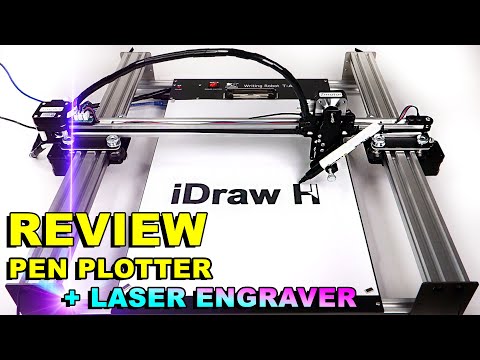
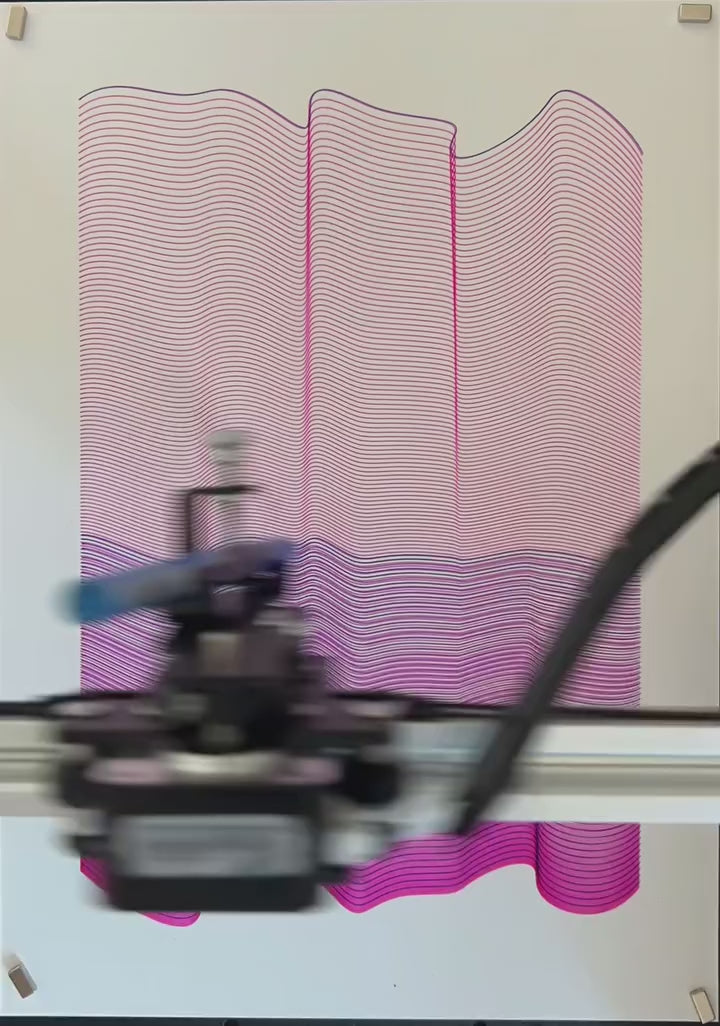
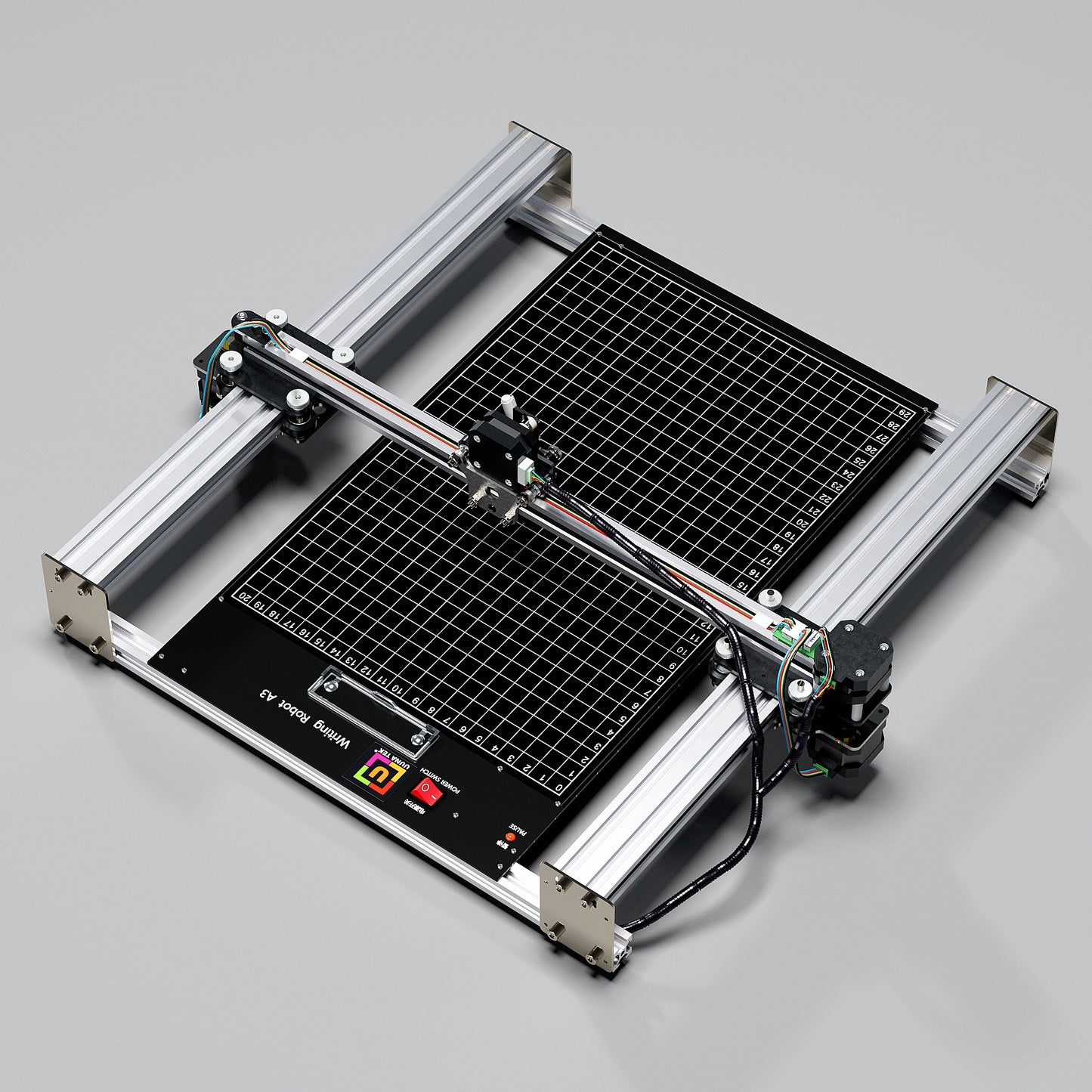
Elevate your creative projects with the iDraw H A3 Pen Plotter Drawing Robot Pen Plotter Drawing Machine Writing Machine Signature Machine| UUNA TEK designed to set new standards in precision and speed. Unveiling itself as the world's fastest handwriting machine, it boasts an impressive 300% increase in speed compared to its peers, making it the go-to choice for artists, professionals, and enthusiasts seeking unparalleled performance.

Main Features
-
Effortless Bulk Writing with Email Merge and Hershey Fonts Support
All UUNA TEK iDraw pen plotter supports Email Merge for bulk writing of letters, envelopes, cards, and invitations. Utilize Hershey Fonts for human-like handwriting.
-
Unmatched Speed - 3X Faster than Others
UUNA TEK H Version redefines the game with a writing speed of up to 12,000MM/MIN, setting it miles ahead of the competition.
-
Cutting-Edge Technology
Powered by the Drawcore V2.0 motherboard and equipped with GRBL Compatibility firmware, it represents the pinnacle of innovation.
-
Precision Redefined
Achieve meticulous mechanical precision with a minimum resolution of 0.01mm for both the Y and X axes, ensuring that your creations are exact to the finest detail.
-
Versatile Laser Engraving
Choose from laser heads from 500mW to 15W power options, allowing you to engrave various materials, from wood and plastics to leather and paper.
-
Intuitive Control
Seamlessly manage your power rate, engraving speed, and input formats with the UUNA TEK 2.0 Control add-ons.
-
User-Friendly Connectivity
Connect via USB or Bluetooth, offering flexibility for different operating systems, including Windows 7/8/10, Mac OS, and Linux.
Collapsible content
Specification
- Motherboard: Drawcore V2.0
- Firmware: GRBL Compatibility
- Add-ons: UUNA TEK 2.0 Control
- Frame Materials: Aluminum Profile + Steel Plate
- Working Area: 420*297mm
- Motors: 4* 42 Stepper Motors
- Mechanical Precision: Y:0.01 mm,X:0.01mm
- Laser Power: 500mW/1600mW/2500mW
- Engraving Area: 420*297mm
- Wave Length: 445±5nm
- Focus: Fixed Focus
- Control Mode: PWM
- Power Rate: S0-S1,000
- Engraving Speed: 0-5,000MM/Min
- Writing Speed: 0-12,000MM/MIN
- Baud Rate: 115200 - 921600 (Default: 115200)
- Input Format: JPG, JPEG, PNG, BMP, SVG, etc.
- Input Voltage: 110V-220V (Compatible)
- Power Adapter Output: 12V / 1A
- Operating Temp.: -20℃-50℃
- Product Size: 525*570*160MM
- Net Weight: 4-5KG
- Limited Switch: Y
- Adjustable Angle for Pen: 70-90 Degree
- Connectivity: USB, Bluetooth
- Support OS and Software: Windows 7/8/10/11(Inkscape), Mac OS (Inkscape for Writing and Drawing, Lightburn for Laser Engraving), Linux
Packing List
1 X UUNA TEK iDraw H A3 Pen Plotter
*1 X A3 Base Plate (Optional)
1 X Tool Kits
1 X Quick Start Guide
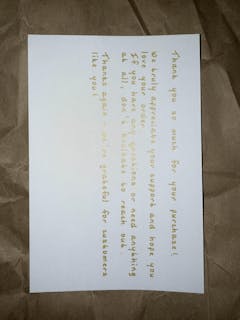
1 X Thank You Card
Software
Download the inkscape software and extensive files here>>>.
You can find the software for Windows, Mac, Linux, as well as the assmble guide for hardware and the install details about software.
For those who need advanced functions:
1. For those who need the function to save the plot file, please download this version>>>
2. For those who need email merge function,
Windows: please download this version>>>
Mac or Linux, please download this version>>>
3. For those who need laser function, please download this version>>>
4. What if i have some programing basic and want to adjust the original parameters to break the speed limitation? Plesae download this version>>>
Tutorials
For UUNA TEK 1.0 Pen Plotter, please check the video tutorials here>>>
For UUNA TEK 2.0 Pen Plotter, please check the video tutorials here>>>
For UUNA TEK H Pen Plotter, please check the video tutorials here>>>
For Software, please check the video here>>>
For Laser Function, please check the video tutorials here>>>
Policies
Shipping Policy: All orders will be fulfilled within 48 business hours. All packages will be shipped with DHL/UPS/USPS from our Chinese warehouses or Amazon warehouse, it will take 5-7 business days to your destination. Delay alert during sales seasons. Check the full policy here>>>
Return Policy: We will provide 1-year warranty for all products. Free return and refund will be only provided for any quality issue or damage during delivery. Contact us via support@uunatek.com before return it back. Check the full policy here>>>
| iDraw H vs iDraw H SE – Comparison Table | ||
|---|---|---|
| Feature | iDraw H | iDraw H SE |
| Motherboard | Drawcore V2.0 | Drawcore V3.0 |
| Firmware | GRBL Compatible | GRBL Compatible |
| Software Support | Inkscape Writing, Inkscape Drawing, Lightburn for Laser | Full AxiDraw Functions + Python API + CLI |
| Connectivity | USB, Bluetooth | USB |
| Working Area | 420 × 297 mm (A3); A2/A1/A0 options available | 297 × 210 mm (A4) |
| Mechanical Precision | X/Y: 0.01 mm | X/Y: 0.01 mm |
| Writing Speed | Up to 12,000 mm/min | Up to 12,000 mm/min |
| Engraving Speed | 0–5,000 mm/min | 0–5,000 mm/min |
| Laser Power Options | 0.5W / 1.6W / 2.5W / 10W / 15W | N/A |
| Frame Material | Aluminum + Steel Plate | Aluminum |
| Pen Angle Adjustability | 70–90° | 70–90° |
| Supported OS | Windows, Mac, Linux | Windows, Mac, Linux |
| Input Formats | SVG, PNG, JPG, JPEG, BMP | SVG, PNG, JPG, JPEG, BMP |
| Power Adapter Output | 12V / 1A | 12V / 1A |
| Operating Temperature | -20°C to 50°C | -20°C to 50°C |
FAQ
Why my Auto Home function is not working well?
Here are some tips for using Auto Home.
1. Check that the contact switch cables are connected correctly, follow this guide:https://www.youtube.com/watch?v=5B4nb2k6eAc2. Manually move the X-axis trolley to the left as far as it will go, and check if it hits the X-axis contact switch.
3. Manually move the Y-axis trolley to the rear as far as it will go, and check if it hits the Y-axis contact switch.
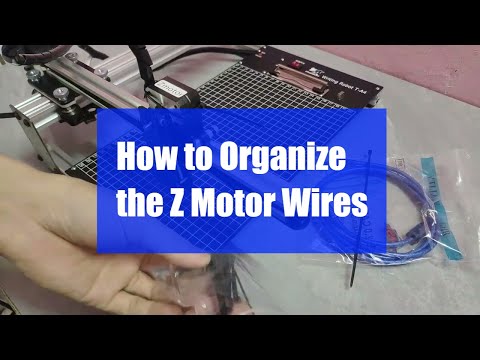
4. Ensure that the cables are properly arranged so that they do not get caught on the XY trolleys, check this guide to organize Z-axis cable:https://www.youtube.com/watch?v=LTwPYPh3rdE
What should I do if I press the red button and the machine stops? Can I resume the plot?
Yes, you can resume your work after pressing the red emergency stop button. Once pressed, the machine will pause and wait for further instructions. To continue:
- Open your Inkscape software.
- Go to the Extensions menu.
- Find the Resume section.
- Select Resume (From Home) or Resume (From Where Paused) depending on whether you want to restart from the beginning or continue from the exact stopping point.
👉 Tip: Always make sure to choose the right resume option based on your project progress to avoid overlapping or incomplete drawings.
Why does my iDraw pen plotter throw an error when plotting anything larger than 215 × 300 mm, even though I want to use A3 size?
This usually happens if the wrong model size is selected in your software settings. By default, the software may be set to a smaller model (such as A4), which limits the maximum plotting area.
To fix this, go to:
Option → Config iDraw Model → Choose A3 size
Then try plotting again. Once the correct model size is selected, the machine will support the full A3 plotting area without error.
Can the Z-axis adjust the working distance?
Yes, the Z-axis can adjust the working distance from 0 to 10 mm.
Can pen-down time be controlled?
Yes, pen-down time can be controlled.
Does the machine support G-code commands?
Yes, it supports G-code commands. The motherboard firmware is compatible with GRBL.
Can the Z-axis lift and press smoothly with a payload of around 30–35 g (like a solid steel probe Ø10 mm, length 5 cm)?
Yes, it can. The machine supports loads up to 200 grams and a maximum diameter of 15 mm.
Is the frame stable enough to avoid vibration when pressing?
Yes, the H A3 weighs 7 kg and is sufficiently stable. The operating speed is adjustable.
If it's possible at all to change the setting for how much the pens can be raised/lowered?
The code limits the height of Z-axis in default, you can adjust the following settings as images to get more flexible.
1.idraw_deps>idraw2_0internal>idraw.py
Adjust the height from 10 to the height you expected like 30 on self.options.pen_pos_up and self.options.pen_pos_down.
2. idraw2_0.inx
Adjust the max="10.0" to the height you like on <param name="pen_pos_down" type="float" min="0.1" max="10.0" _gui-text="Pen height:DOWN, (mm):">5.0</param>
The product is easy to use. By carefully following the manufacturer's instructions, I was able to install the Inkscape plugin easily. Assembling the plotter is straightforward, but precisely adjusting the baseplate can be tricky. I managed to reduce the unevenness to within +/- 0.1 mm by manually bending the baseplate. I found that if the deviation exceeds this limit, the lifespan of the fine liner pens is significantly shortened because their tips wear down more quickly where the baseplate has a "bump". Therefore, it is recommended to level the plate before using it for the first time.
The plotter is user-friendly, and configuring its operating parameters is simple. At high speeds, the lines may become slightly wavy; however, this issue can be easily resolved by reducing the speed. The device provides a good estimate of the plotting time, making it easier to decide if slower plotting is acceptable.
The home function allows for precise positioning of the pen tips, and you can change the pen several times while working on a drawing. It is very helpful that only select layers can be plotted from the Inkscape drawing.
Overall, I am very satisfied with this product. After carefully setting up the device, one can create highly detailed and precise plots.
This is my second pen plotter I have bought from Uuna Tek. In both cases I have been very satisfied with my purchase and quickly started using it after receiving it:
- The machine is shipped in good packaging
- The machine is easy to assemble and all parts are labeled so it is difficult to do it wrong
- There are some instructions on Uuna Tek's website that explain how to install the software and the extensions you need for the machine to make the first drawing
In everyday use there are no problems with using the machine and it is both fast and quiet. However, there are also some things that you will miss after using the machine for a while.
- Better cable management in softer material than the rigid plastic that is used today. I have tried to optimize the cable routing myself but it is very difficult without also changing the cables to longer ones
- It would be nice if there was an option to run the machine without a connected computer, while e.g. with a Raspberry Pi connected and maybe a small touch screen, I know there are solutions on the internet but they are not good unless you have a little technical skills. It must be possible to make something relatively cheap in the same way as it has been done with 3D printers. It could also be fun if such a box allowed for connecting a camera.
- Another thing I miss is a plugin for the software that makes it possible to plot with brushes and watercolors. I know it exists for Uuna Tek's competitors but I can't find it for Idraw.
But all in all I am very satisfied with my purchase
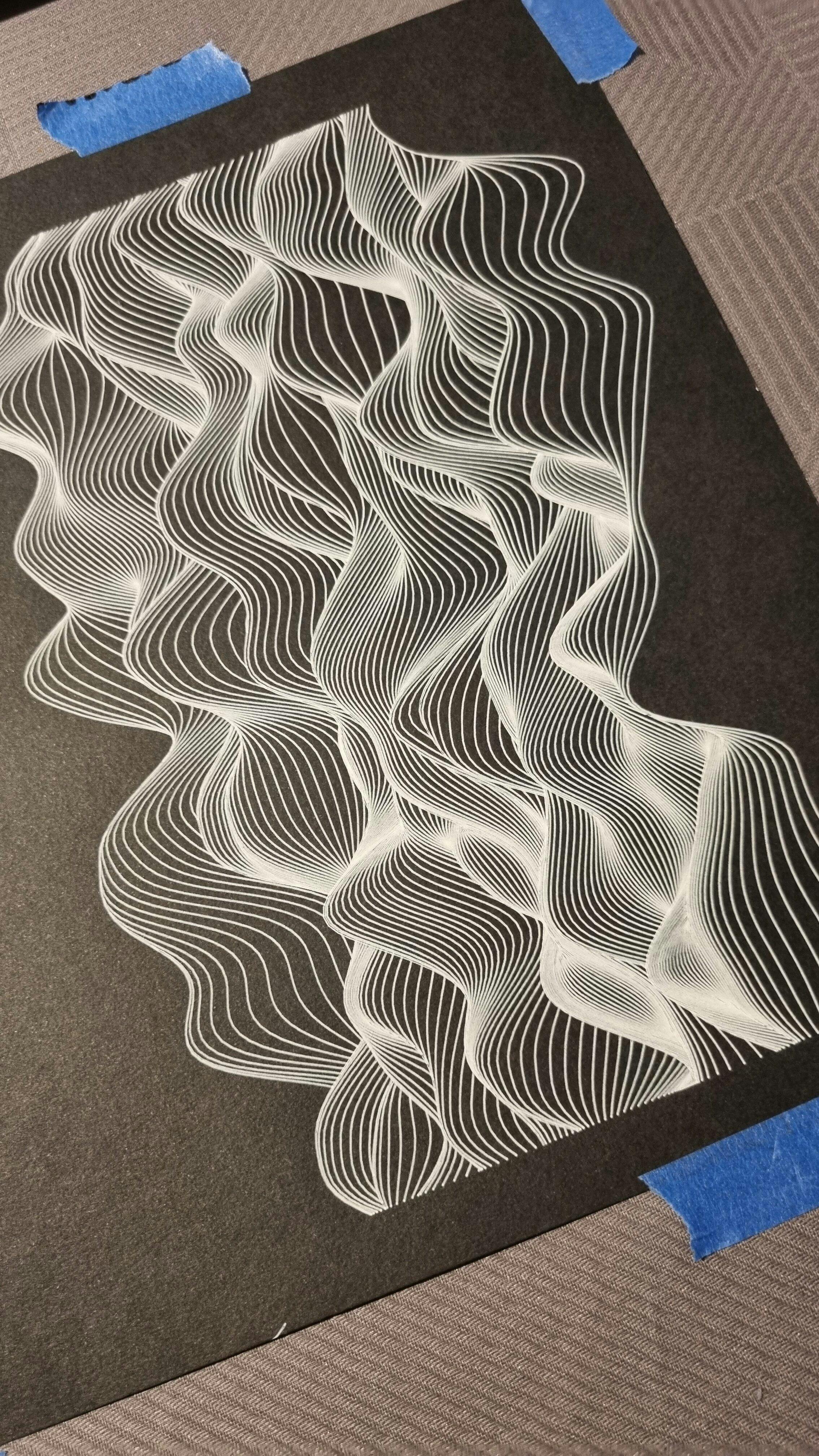
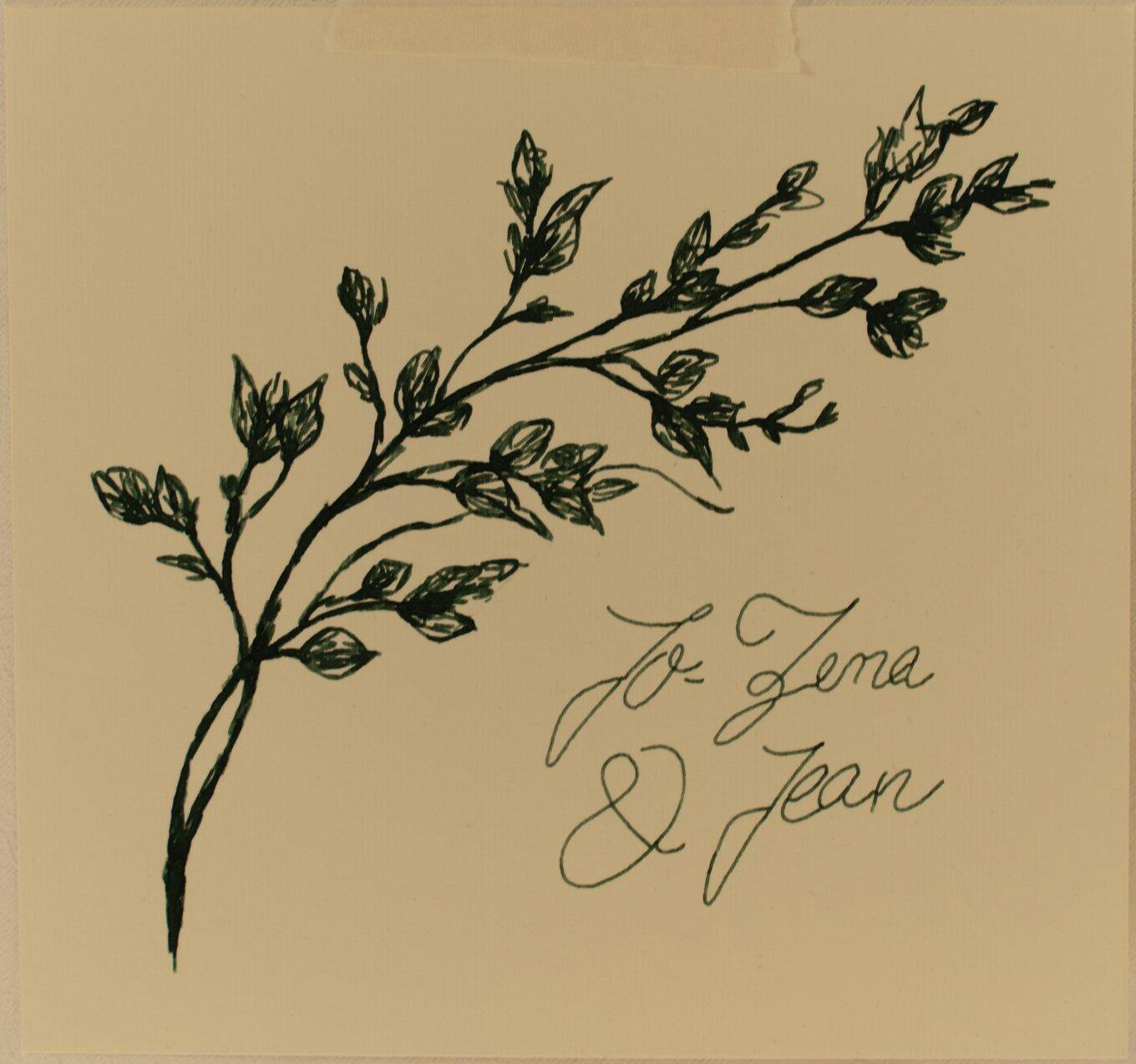
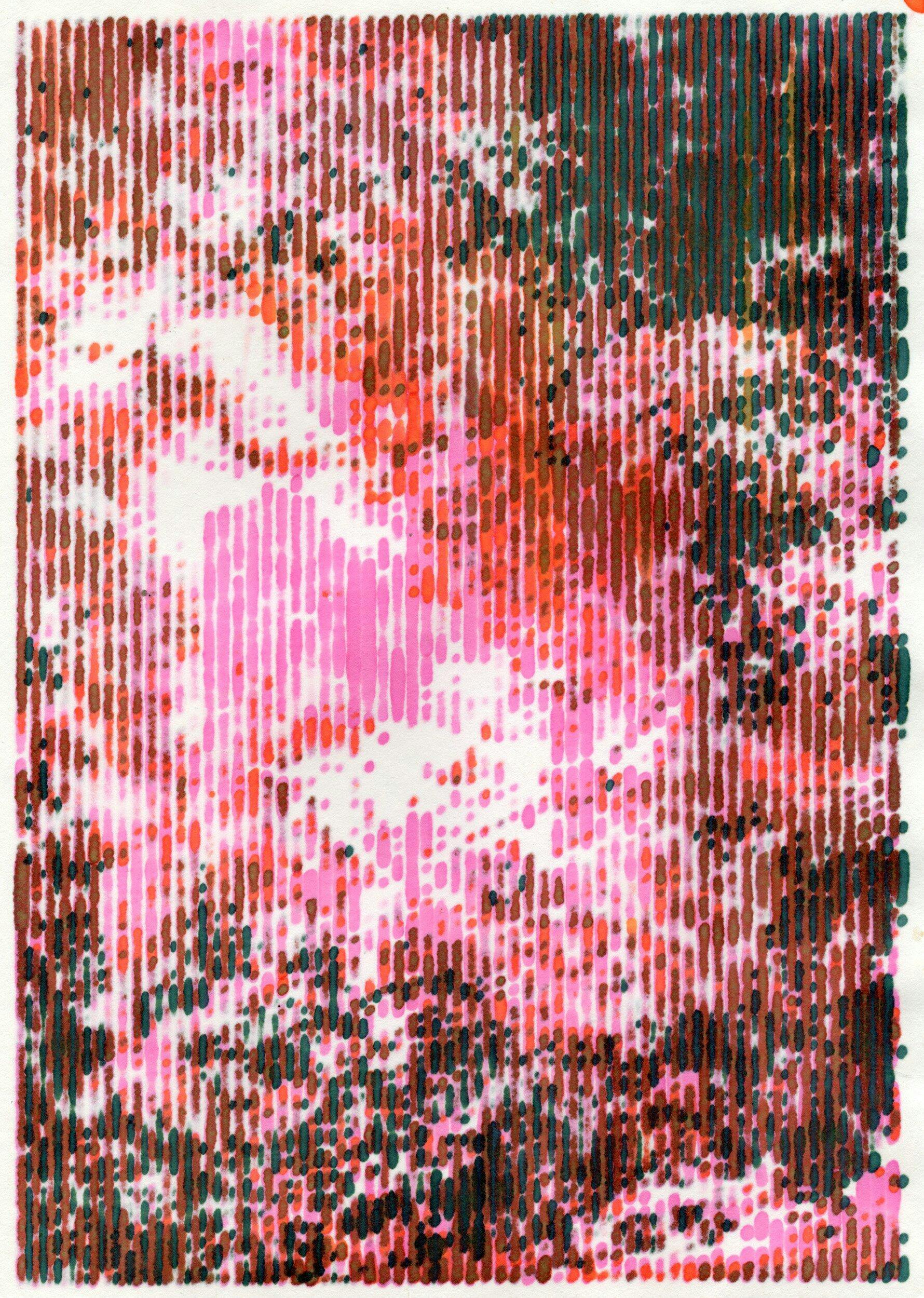
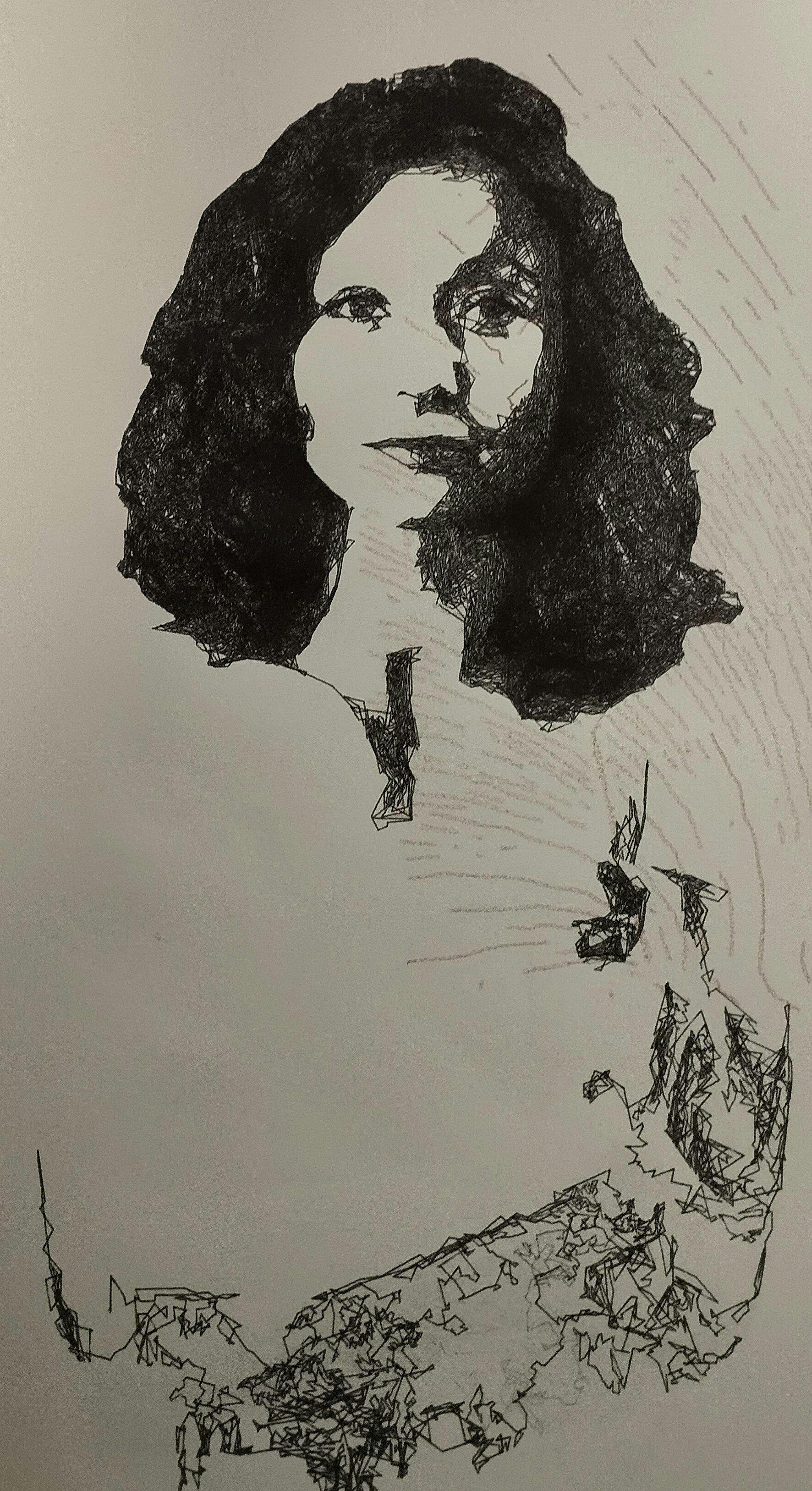
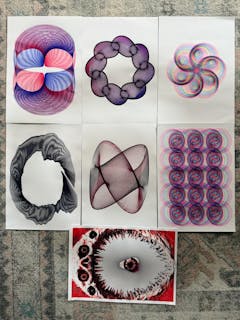
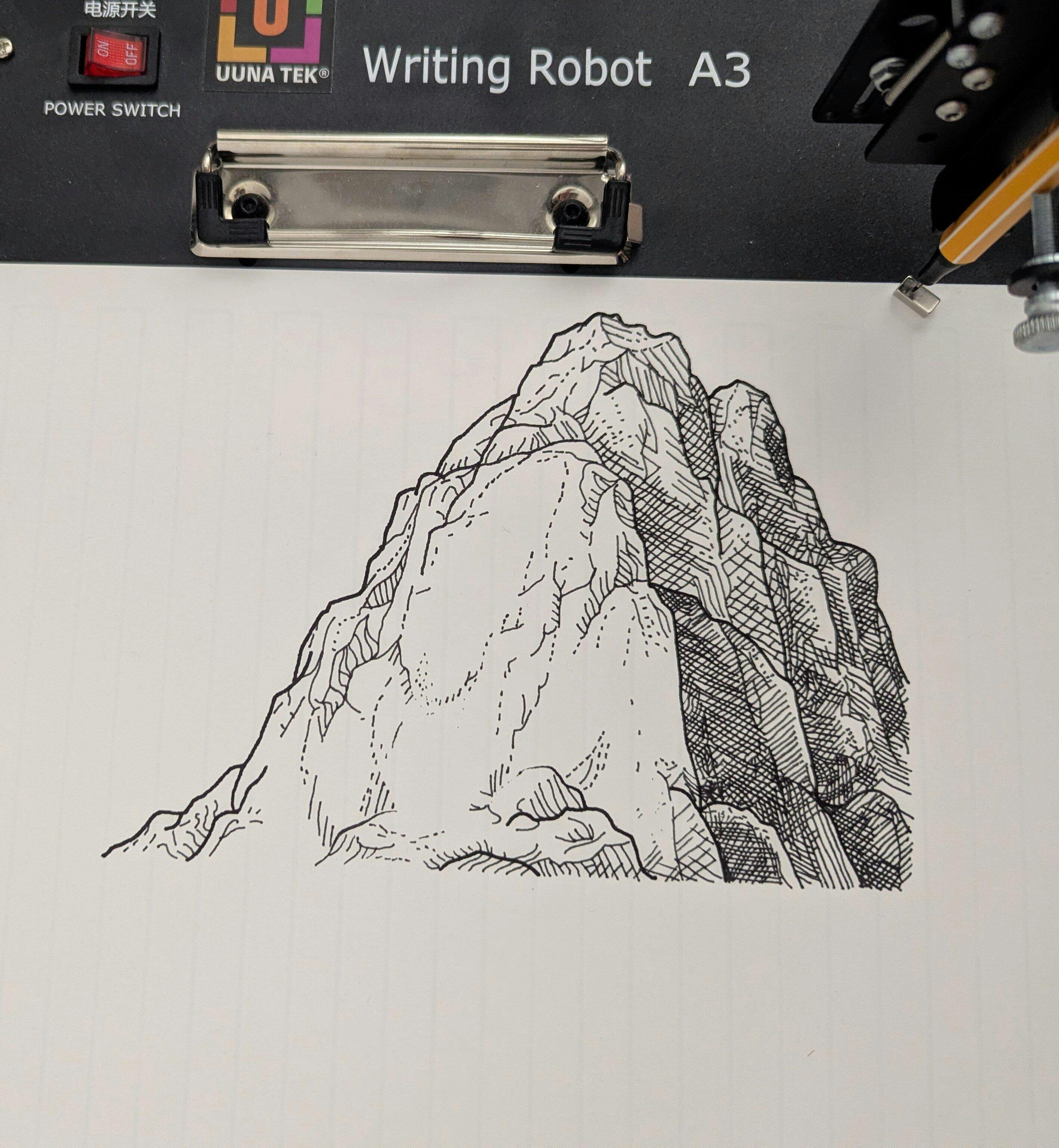
This plotter is just great. I used it mostly with fountains pens to be cost effective and with the tilted head it works perfectly. I tried it with ball pens too and it's flawless, even at high speed ! It is actually so fast my paper gives up before the plotter. I made all the invitation for my wedding with it, and everyone thought it was hand written and drawn by hand! I vectorize my writing I will let you judge for the results.
The fact it can also use a laser head is also incredibly exciting and I sure hope I will be able to test that soon. CMYK pictures are also next on my list. This system is a great investment to dive in the art and not the tech. It will grow with you and your imagination and work is the only limiting factor :)
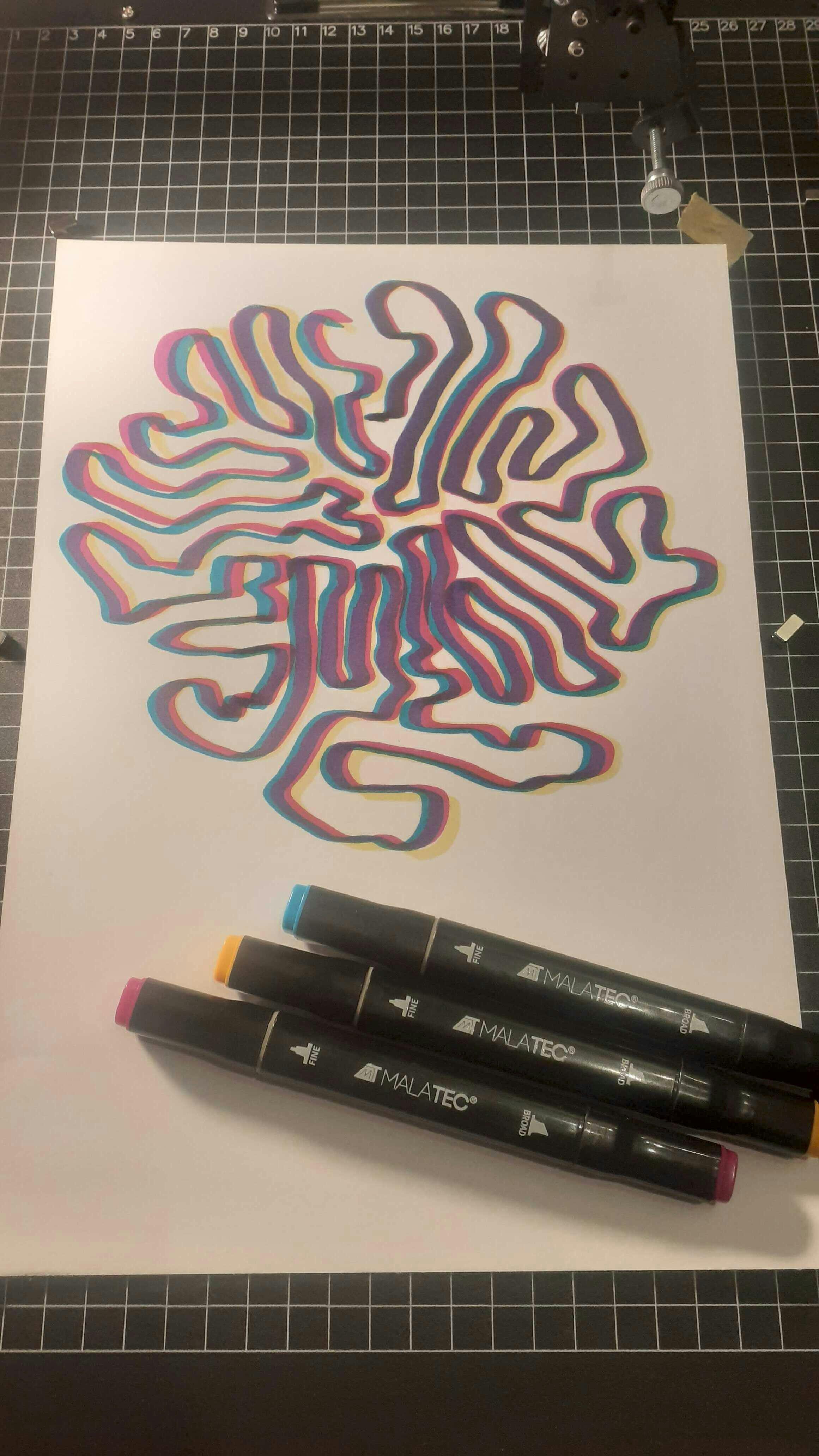
I have owned my A3 iDraw plotter for over a year, and it has never malfunctioned. It operates very quickly, with minimal wobble thanks to its metal double-sided mount. I have used it with pens, markers, and brushes, and even for scraping ceramic paint off tiles before firing them. It is a durable, precise, and solid machine.
The metal base plate is a huge time-saver thanks to its magnets and alignment grid.
Additionally, for over a year of use, I haven’t needed to clean or service it at all, despite operating it in a fairly dusty and “cat-filled” environment :)
All received pretty well and easy!
I first used the wrong version of Inkscape which resulted in some bugs in the machine movements.. but once I got the right one, it rolled as hell.
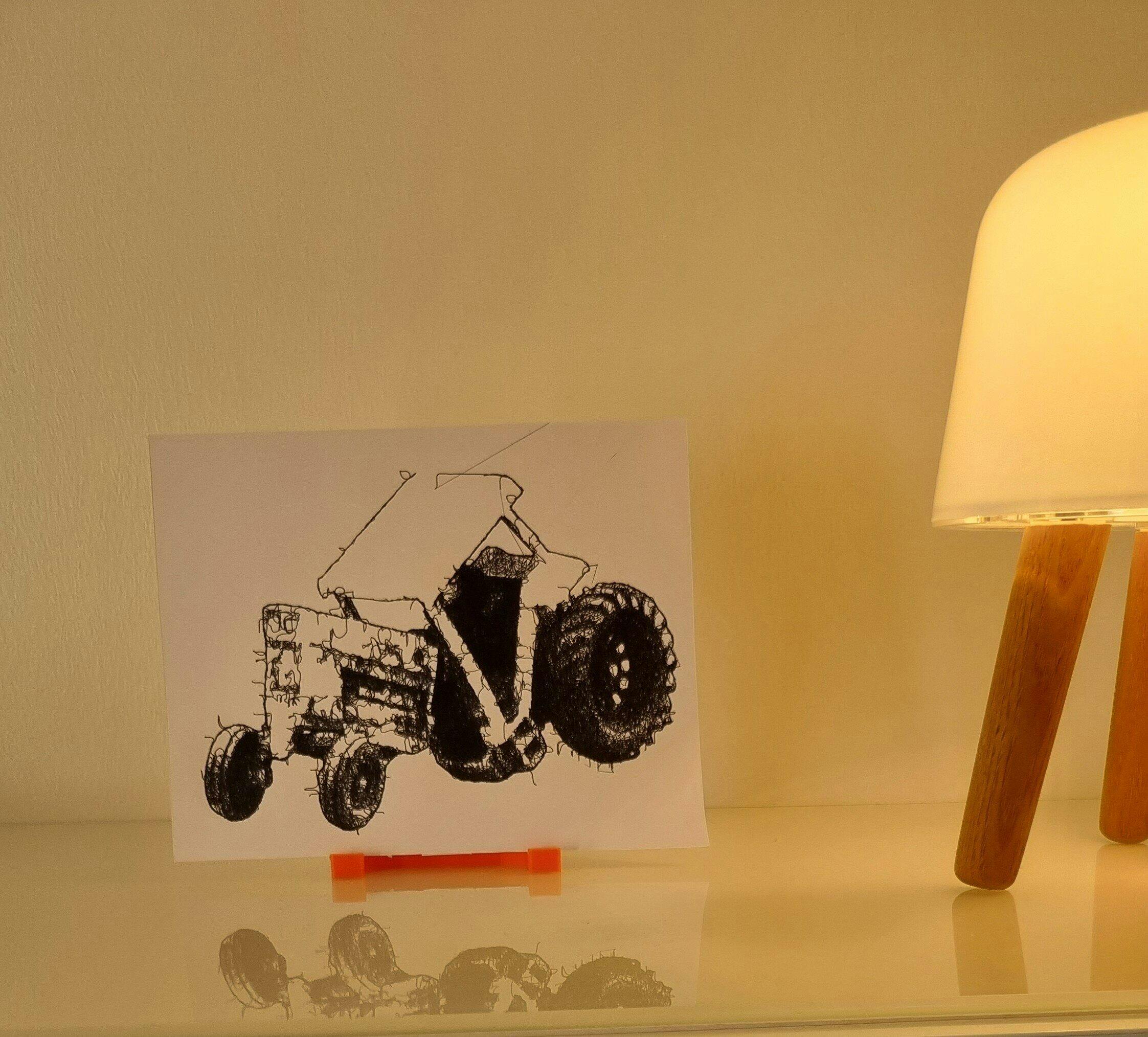
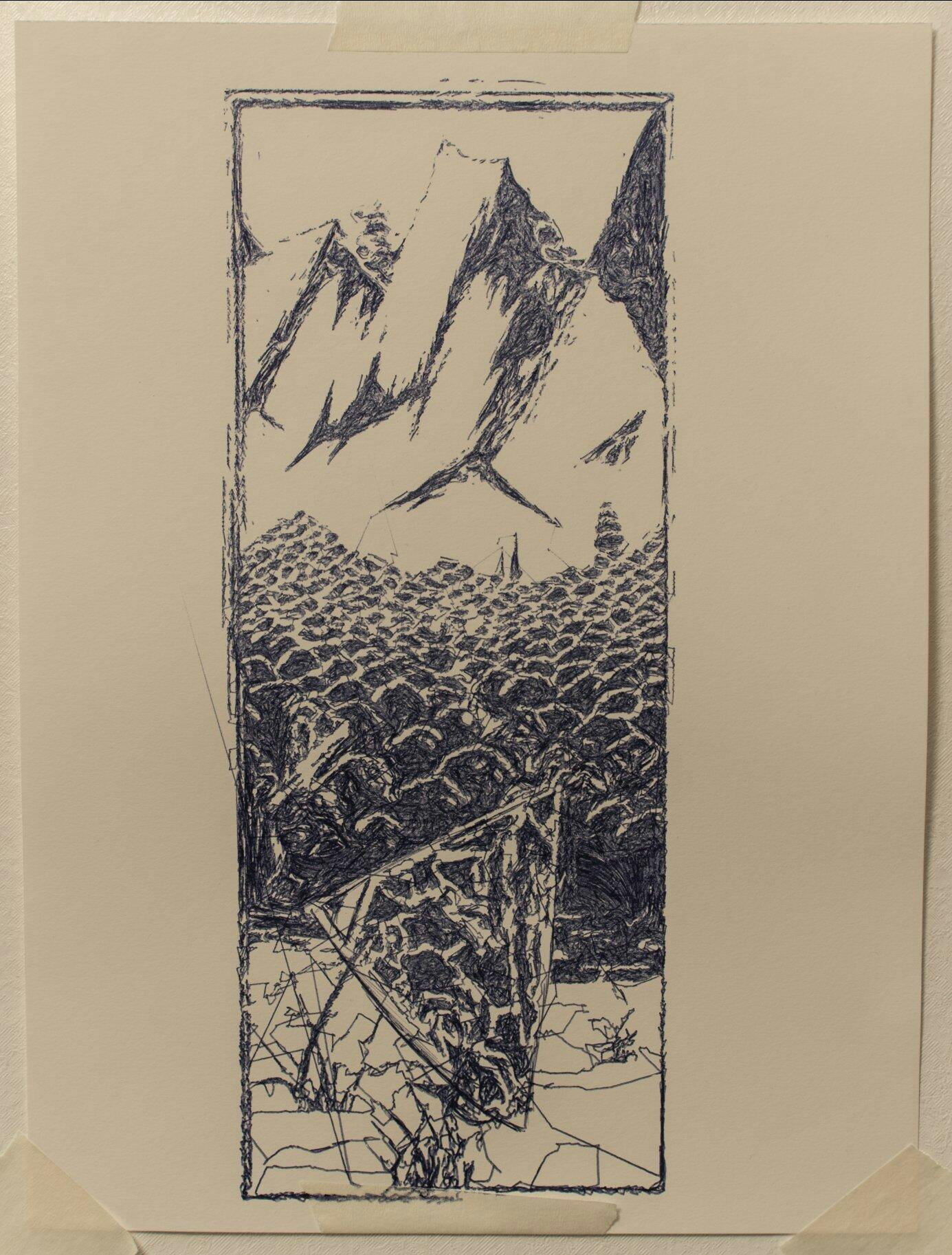
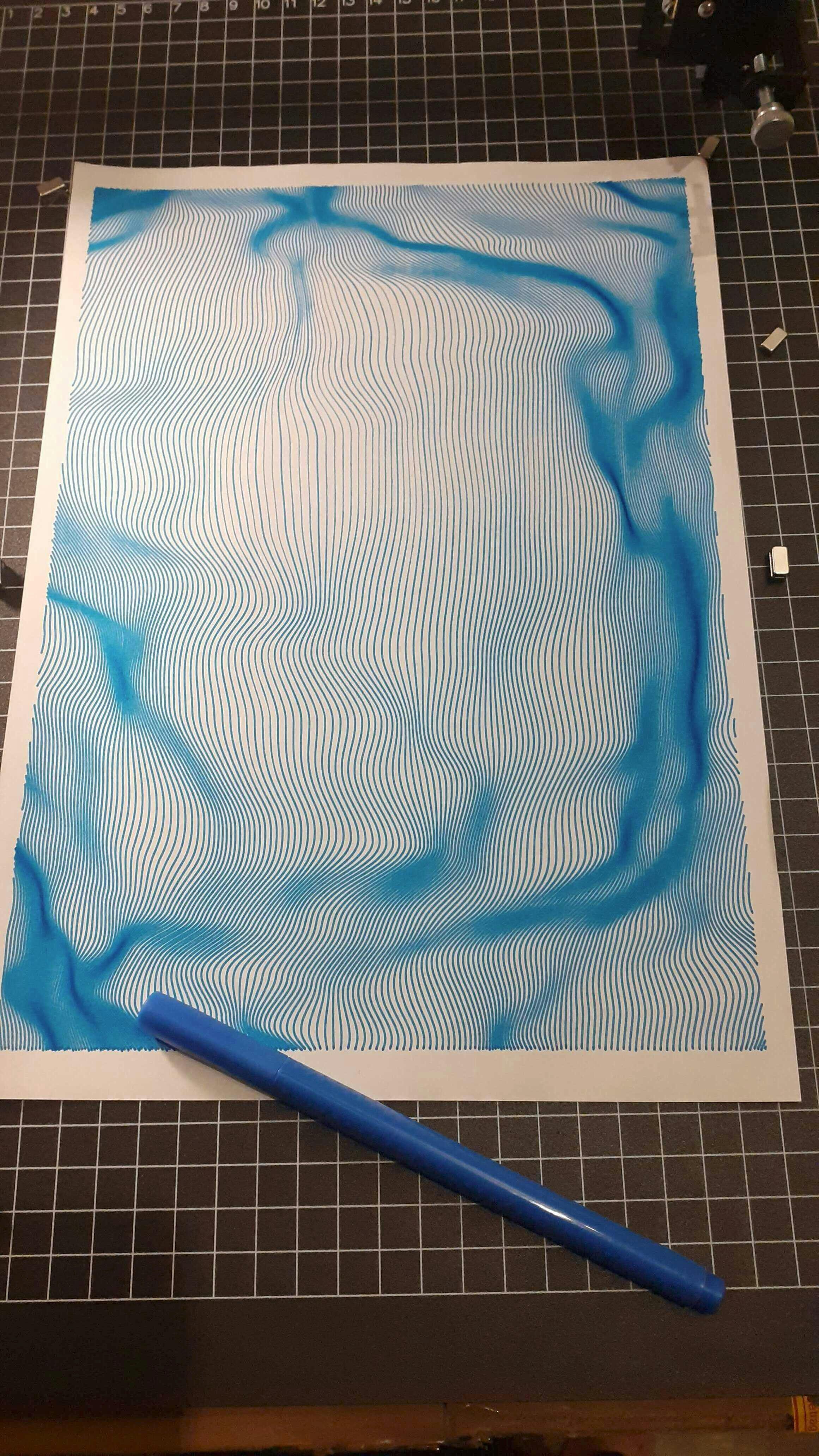
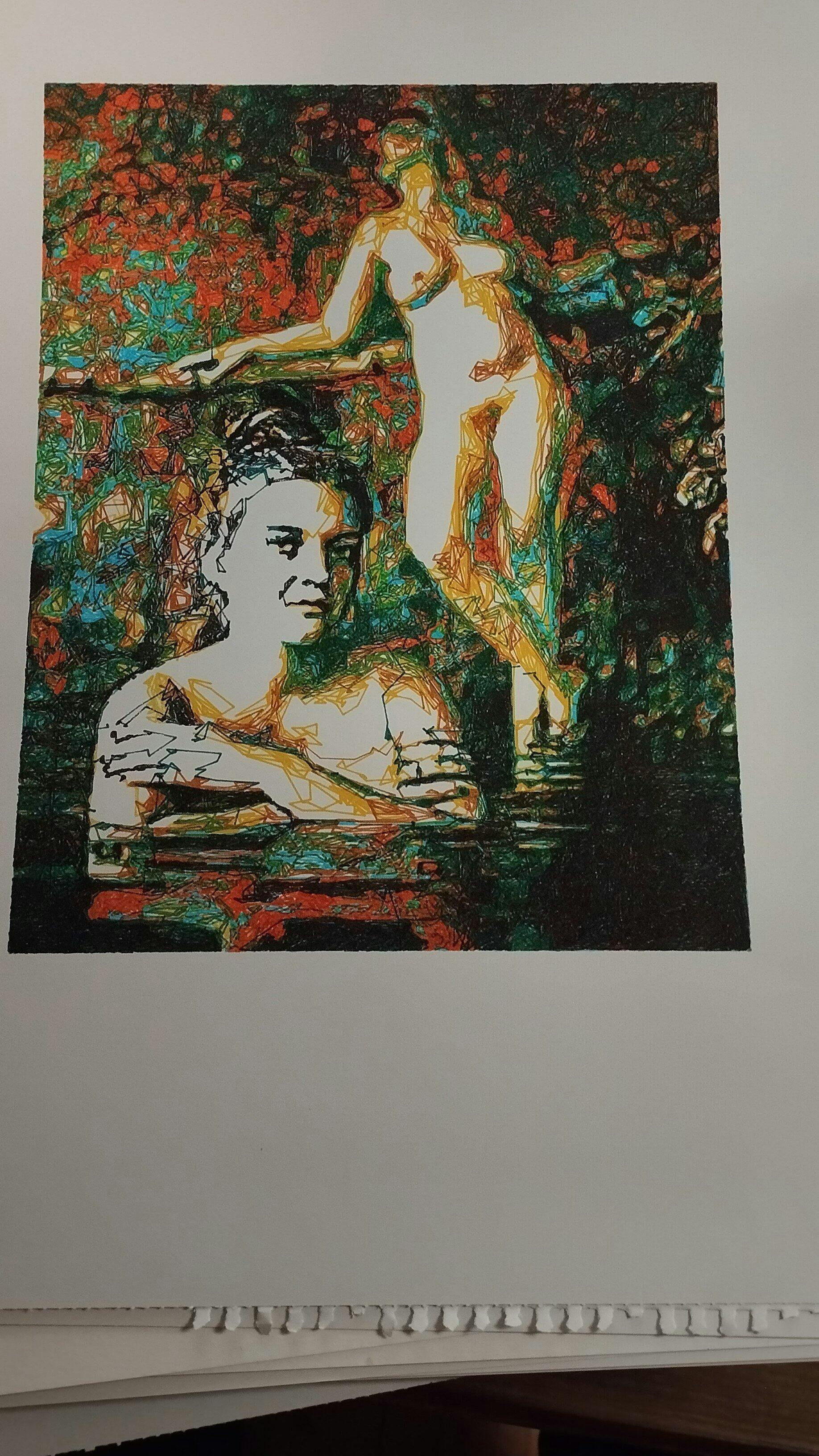
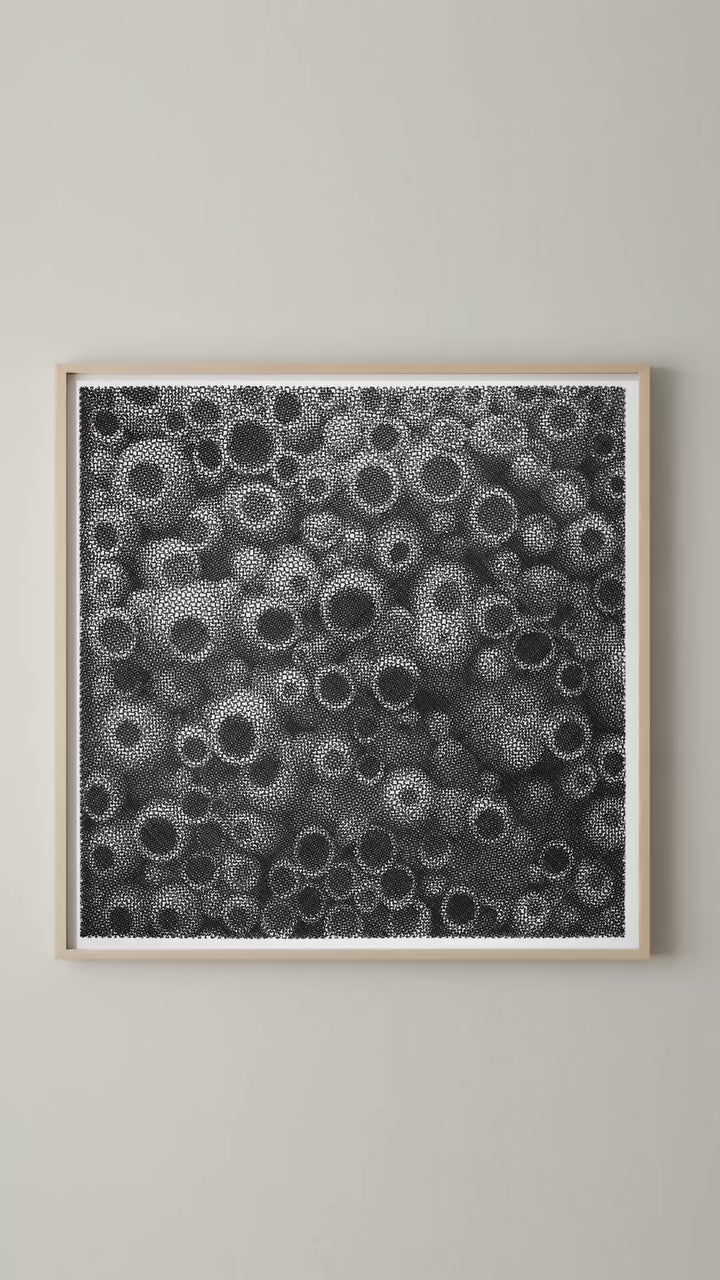
I use this machine to bring my generative art into the real world. Working with real ink, paint and pens give an other dimension to creation that is otherwise limited to screens.
Reviews in Other Languages
Le prix des traceurs est un facteur essentiel à prendre en compte pour votre décision d’achat. Ne faites pas comme moi : j’avais commencé avec un petit traceur A4 bas de gamme (120 $, en pièces détachées à monter soi‑même). Avec cette machine, je ne pouvais à peine tracer des formats A5 alors qu’elle était censée gérer du A4. J’avais sans cesse des problèmes de calage, la précision laissait à désirer, et trop légère, elle bougeait au moindre mouvement. De plus, elle ne prenait pas en charge les fichiers SVG directement : il fallait passer par un encodage en G-code, un vrai parcours du combattant pour réaliser un dessin. Le résultat était le plus souvent frustrant.
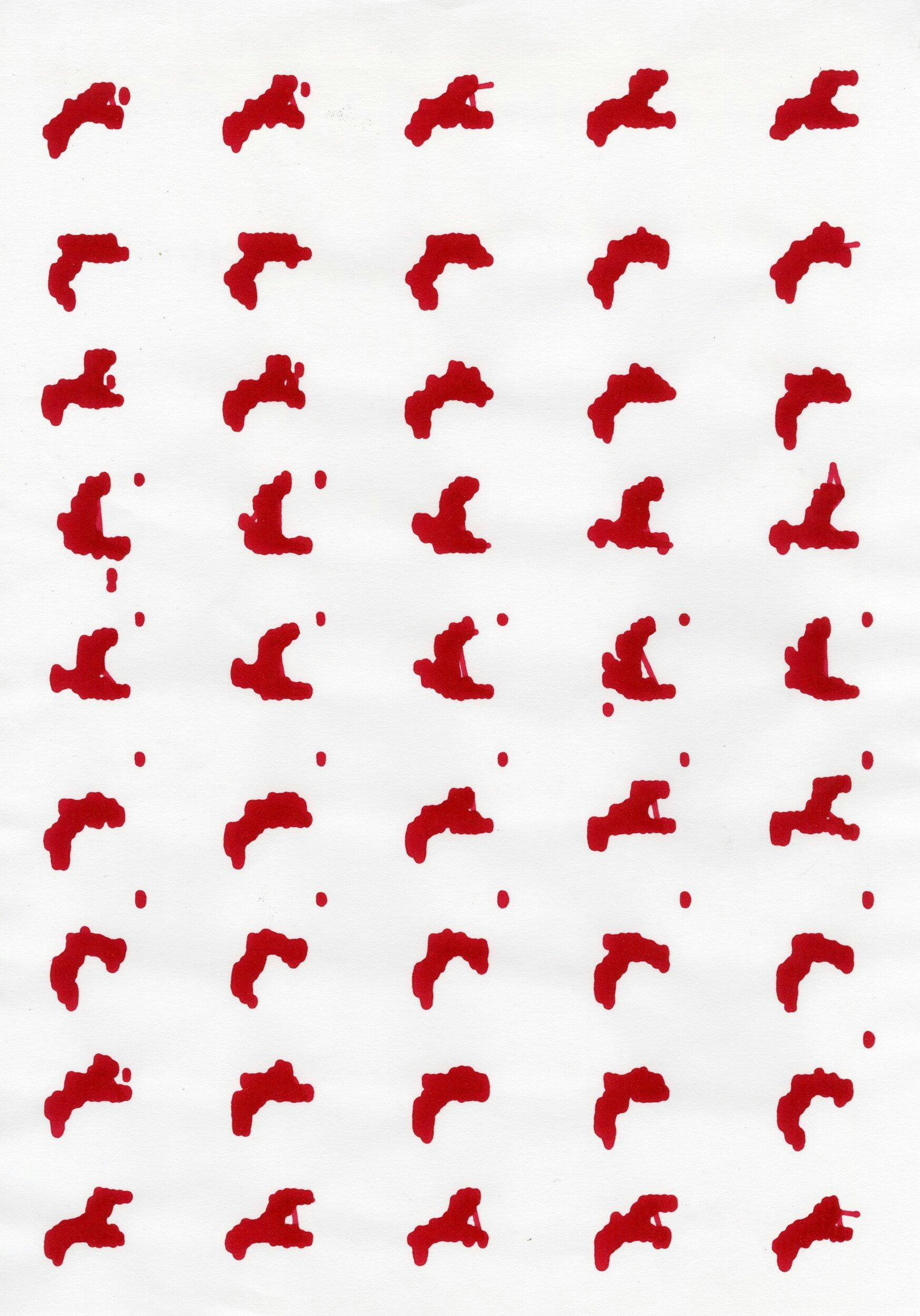
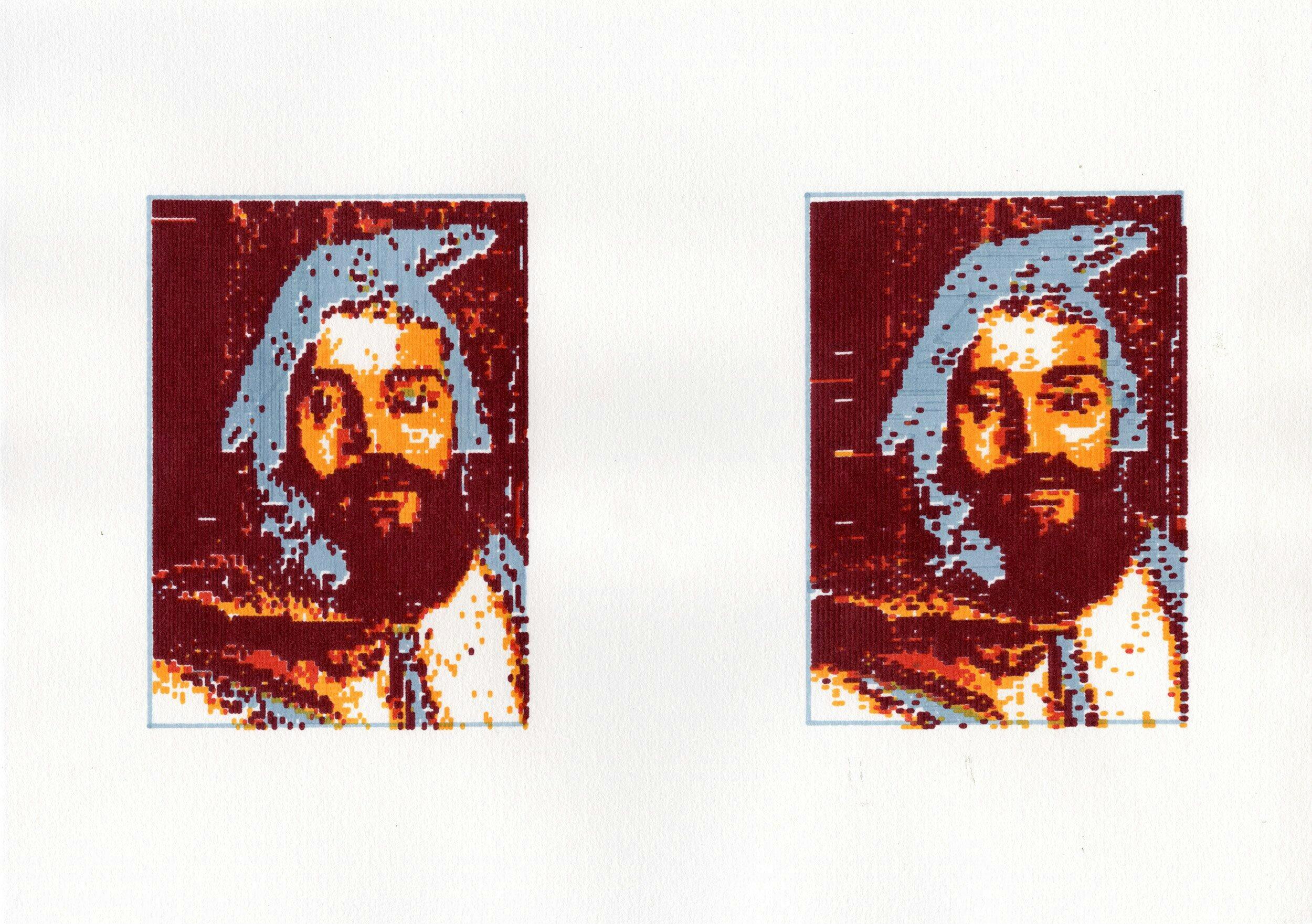
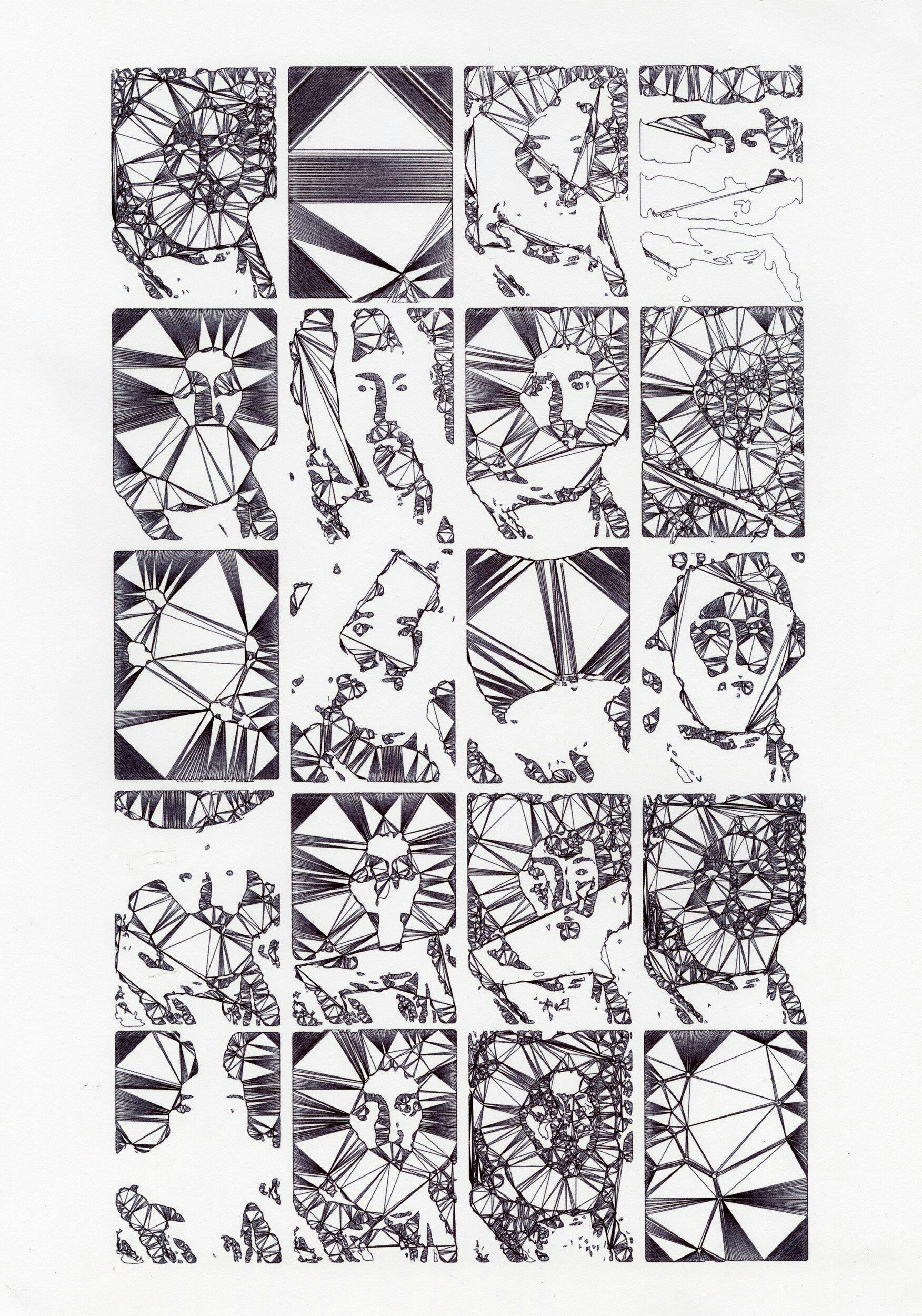
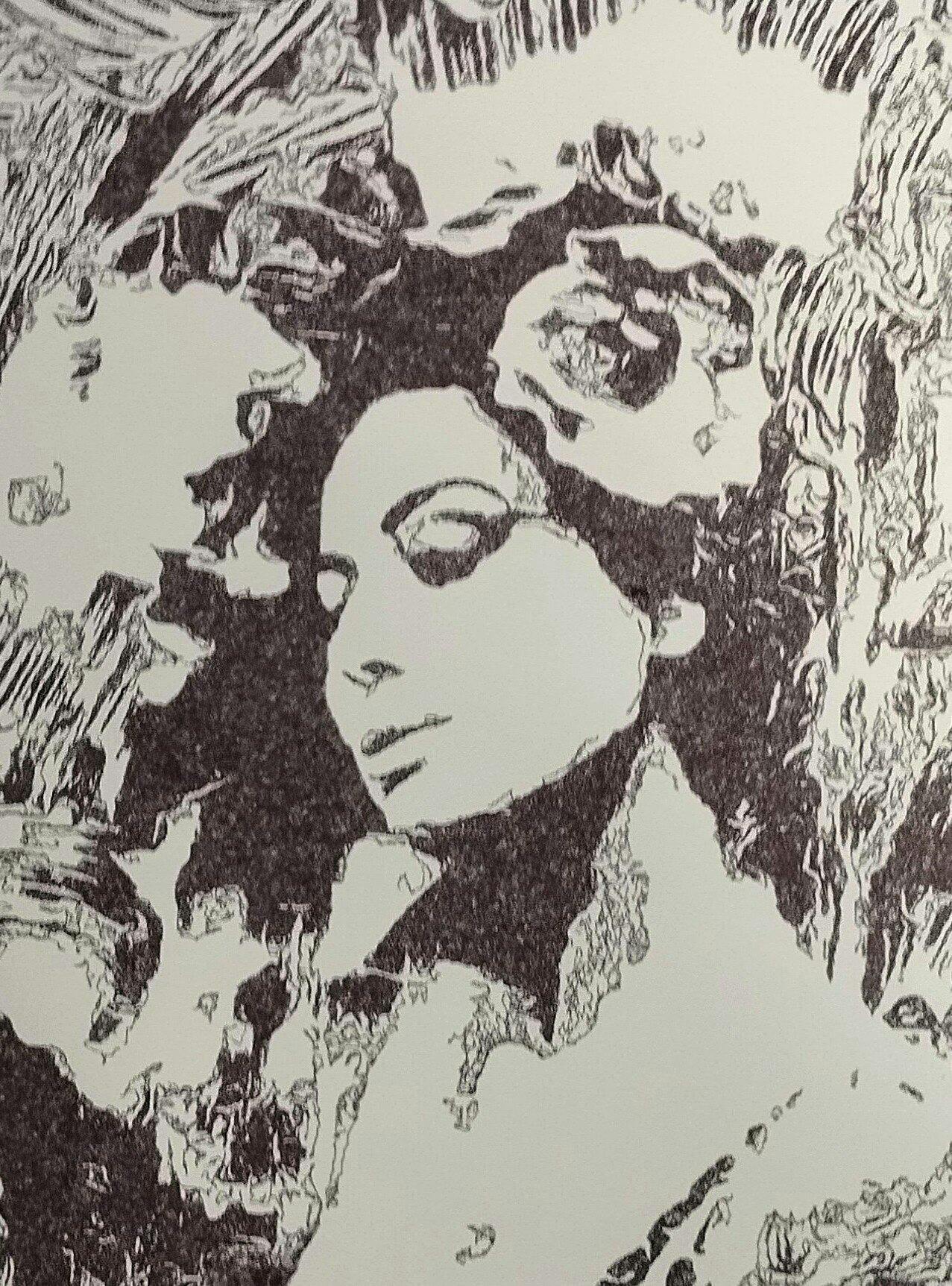
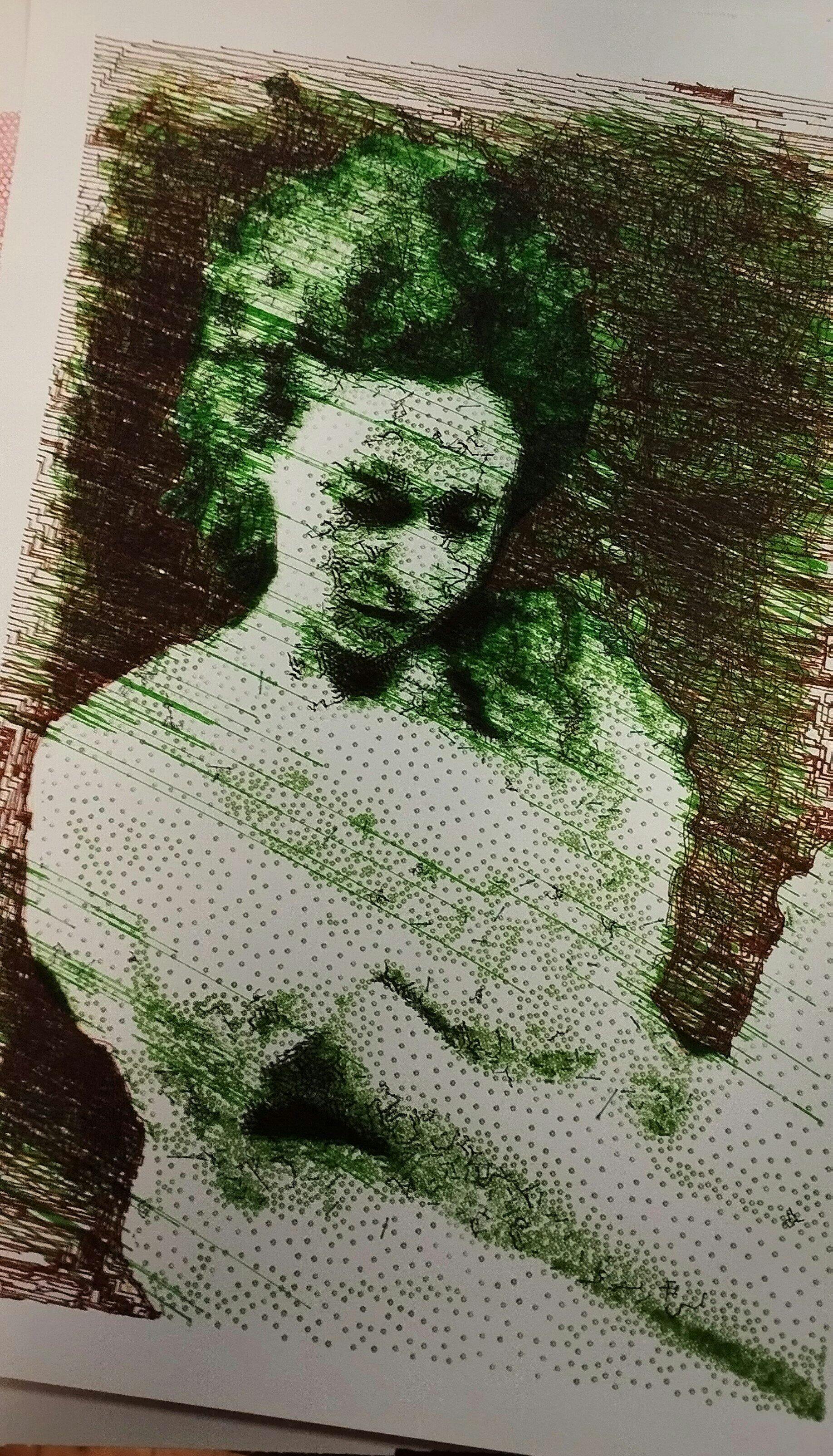
Puis j’ai découvert l’iDraw H A3. Je me suis retrouvé face à une machine totalement différente, bien plus qu’un simple plotter : elle était capable de transformer mes photographies et mes dessins en tracés physiques, précis et vivants. J’étais comme propulsé dans une nouvelle dimension créative. C’était le début d’un chemin où le numérique, la mécanique et l’expérimentation artistique se rejoignent pour former un véritable terrain de jeu et d’exploration.
Cette expérience m’a montré que l’investissement dans une machine de qualité comme l’iDraw H A3 est essentiel. Elle permet non seulement de travailler avec précision et sur de grands formats, mais surtout d’avoir la liberté de se concentrer sur la création et l’exploration artistique, plutôt que sur les problèmes mécaniques. Un investissement qui peut sembler élevé au départ, mais qui se traduit par un gain énorme de temps, de sérénité et de plaisir créatif.
Since working with an Idraw H A3, I have nothing but praise to give to Uuna Tek for their work. It works all the time, every day, always precise, silent and so fast! Super easy to learn, even for beginners, and excellent support. I had already installed the software part and once unboxed, I made my first drawing in a few minutes. THANKS
Depuis que je travaille avec une Idraw H A3, j'ai seulement des éloges à faire à Uuna Tek pour leur travail. ça fonctionne tout le temps, tous les jours, toujours précis, silencieuse et tellement rapide! Super facile à prendre en main, même pour les débutants, et excellent support. J'avais déjà installé la partie logiciel et une fois déballée, j'ai fait mon premier dessin en quelques minutes. Merci